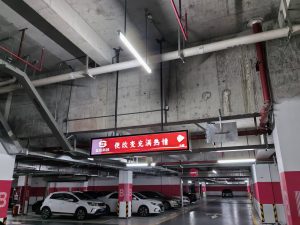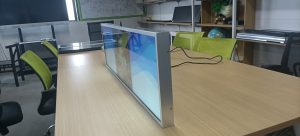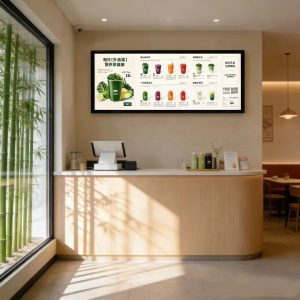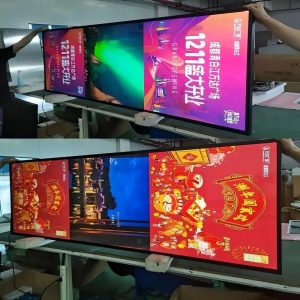

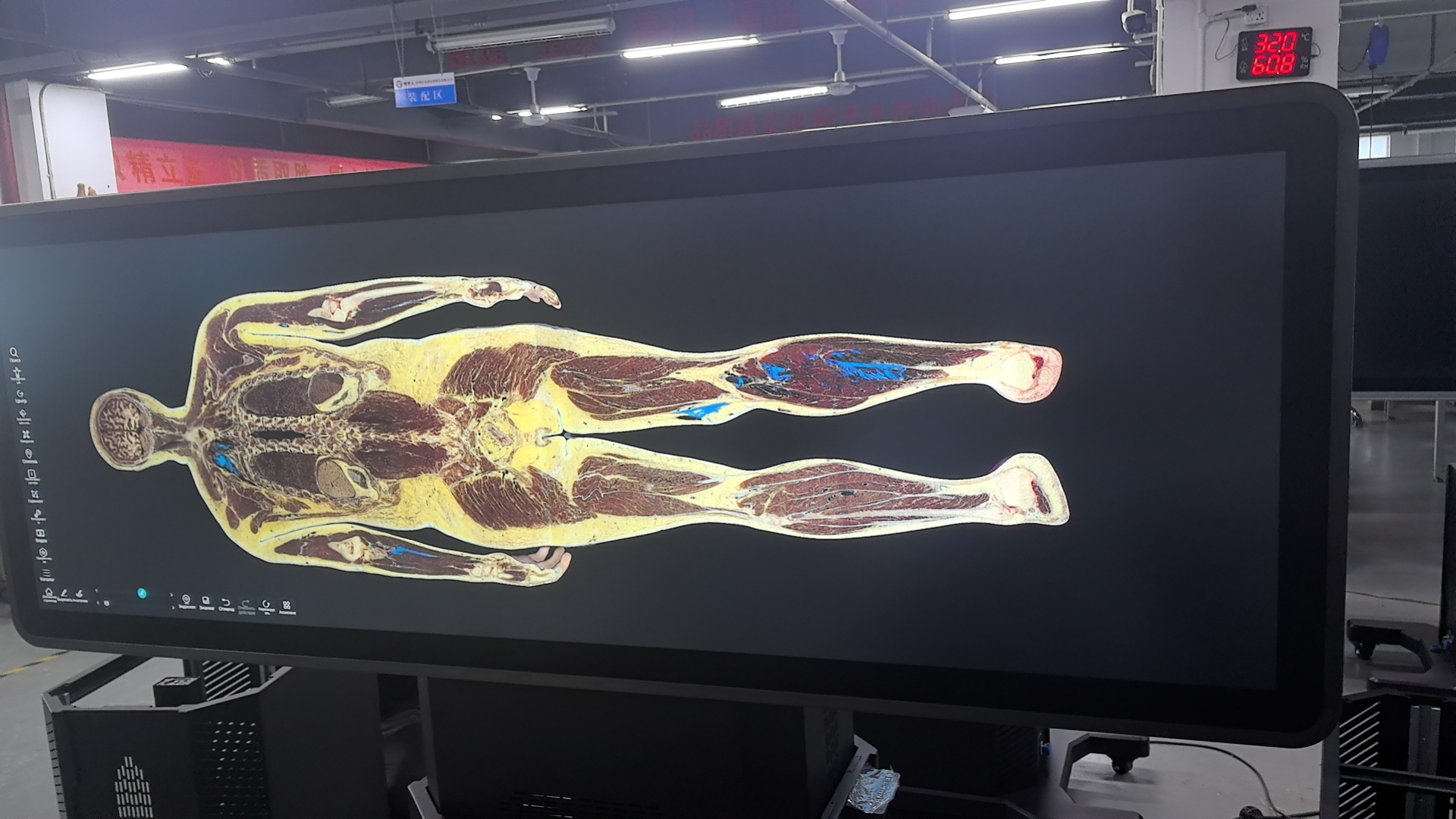
Freestanding stretched digital signage kiosks (often deployed as digital A-frame menu boards or welcome totems) stand prominently at storefront entrances and checkout counters. Operating ten to sixteen hours a day amidst heavy foot traffic, they endure fingerprints, airborne dust, and cooking grease. Store staff care diligently for their equipment, yet well-intentioned maintenance often relies on mistaken practices that inadvertently accelerate hardware wear.
Misconception 1: Spraying Liquid Cleaners Directly onto the Screen
Many operators spray liquid glass cleaners directly onto the screen face before wiping with a rag. The hazard is that aerosolized liquid runs down the glass face and seeps through micro-seams into internal electronics—one of the most frequent causes of catastrophic circuit board shorts.
The Correct Procedure: Disconnect power first. Use a clean, soft microfiber cloth, wiping gently in a single uniform direction. For stubborn smudges, slightly moisten the cloth with clean water—wringing it until virtually dry—before wiping. Strictly avoid cleaners containing alcohol, ammonia, or aggressive chemical solvents that strip anti-glare optical coatings. Finish with a dry cloth.
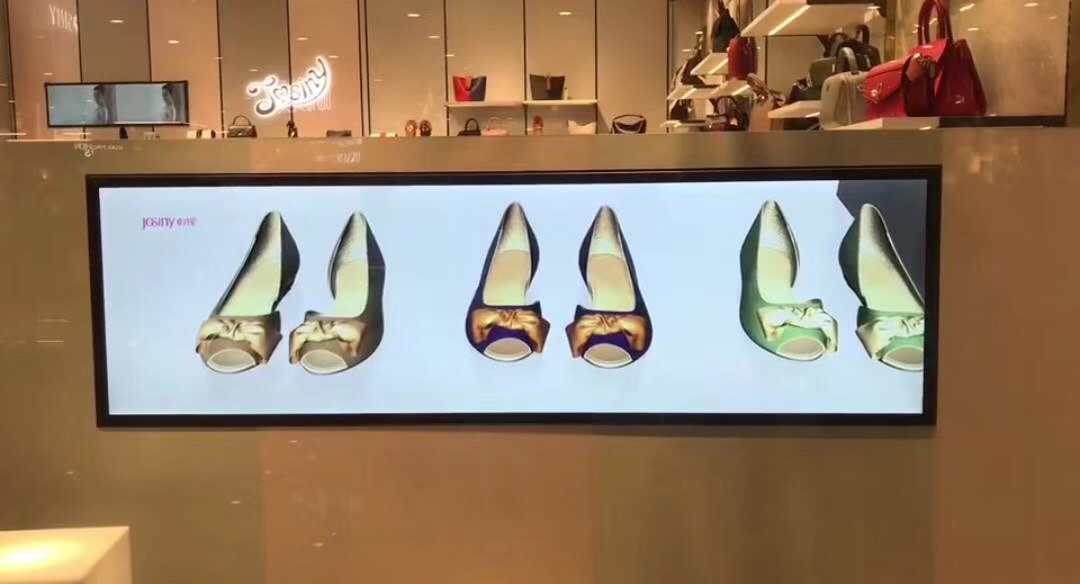
Misconception 2: Scrubbing Metal Enclosures with Coarse, Wet Rags
Enclosures can be wiped with soft cloths, but never scrubbed with abrasive pressure or scraped with hard tools. Exercise extreme caution around bezel seams and maintenance doors to prevent moisture ingress. Clean dust from cooling vents using a soft-bristled brush rather than probing vents with sharp objects.
Misconception 3: Blasting Away Heavy Dust with Compressed Air Guns
Blasting high-pressure air guns directly against kiosks drives surface dust deeper into internal circuit boards and optical layers, compounding internal contamination. The proper technique uses an industrial vacuum cleaner with a soft-bristled brush attachment, drawing dust outward. Internal deep cleaning involves chassis disassembly and should be handled by certified technicians.
Misconception 4: Treating Digital Signage as a PC and Installing Random Software
Some users treat digital signage terminals as general-purpose office PCs, installing third-party utilities, unverified cleaning apps, or conflicting antivirus tools. This clogs system memory, triggers video playback stutter, and introduces severe security vulnerabilities.
Best Practice: Keep operating systems lean, running only official digital signage CMS software. Apply firmware updates recommended by your hardware manufacturer, backing up configuration settings beforehand and maintaining uninterrupted power during updates.
Misconception 5: Leaving Kiosks Running Continuously Around the Clock
To avoid startup routines, some stores leave kiosks running 24/7 indefinitely. Continuous unneeded operation generates excess thermal heat, accelerates backlight luminous decay, and shortens hardware longevity.
Best Practice: Configure automated power timers in software: powering on automatically at store opening and shutting down upon closing. Program automated dimming to modulate brightness between daytime peak and evening hours, conserving energy while extending component life.
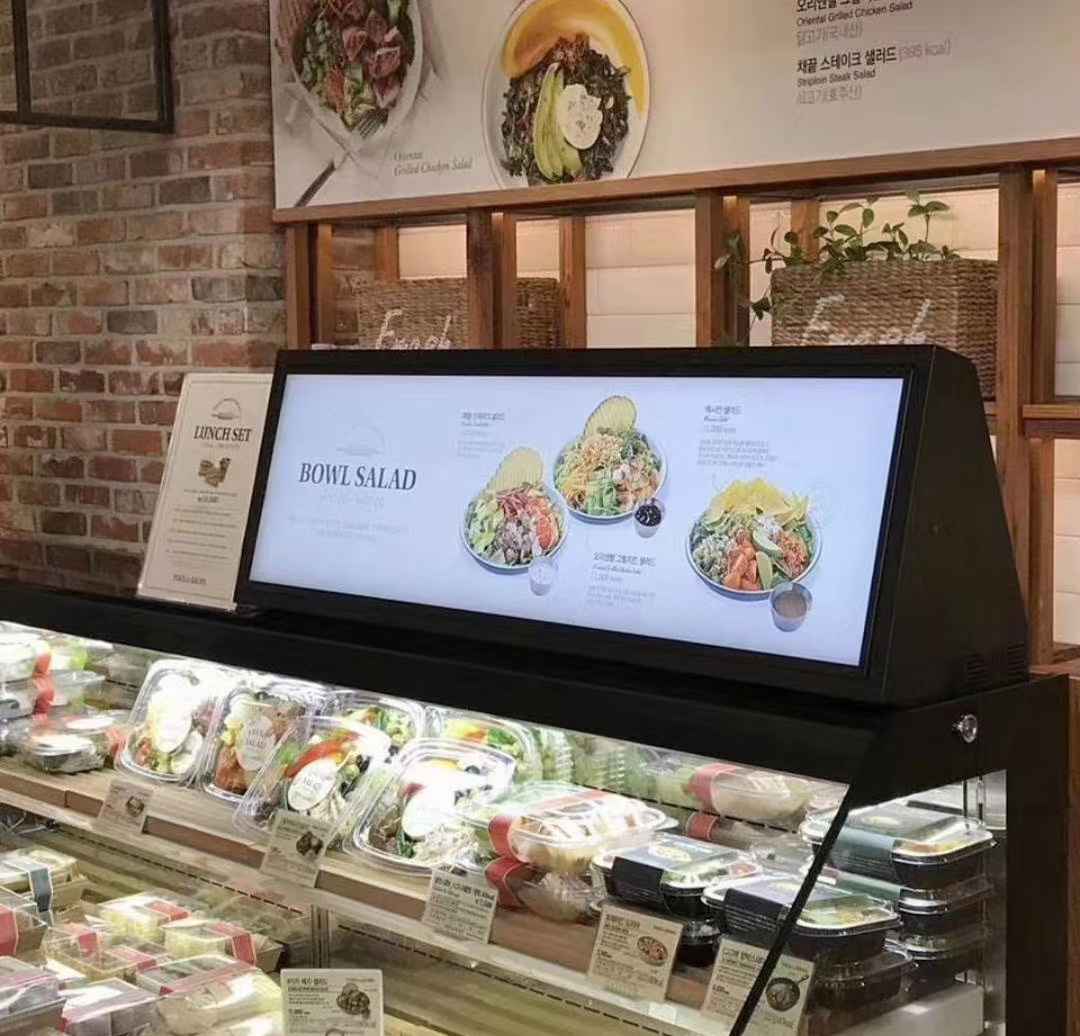
Misconception 6: Slapping a Mat Underneath to Solve Overheating
Placing improvised foam pads or decorative cloths under kiosks to manage heat often obstructs intake cooling vents, worsening thermal dissipation. Kiosk cooling relies on engineered internal air ducts and convection louvers.
The Proper Approach: Identify the root cause: Are cooling vents clogged with dust? Is the unit pushed flush against an unventilated wall? Is it baking under direct solar radiation, or has a cooling fan failed? Clear vents, adjust placement, or contact certified technicians. Never improvise external pads without understanding thermal airflow.
The Recommended Maintenance Rhythm
Weekly: Visually inspect screen clarity, wipe dust from the screen face and enclosure, and listen for abnormal fan noise.
Monthly: Verify structural base fastening, check cable connectors for tightness, ensure cooling vents are clear, and confirm scheduled playlists update properly.
Annually: Engage certified technicians for a comprehensive internal audit: internal dust removal, cooling and power supply testing, and hardware diagnostic checks.
Situations Requiring Certified Service Personnel
Immediately contact professional support if: screens exhibit large-scale glitching, permanent lines, or localized light leakage; units enter reboot loops or fail to boot; burning odors, smoke, or abnormal heat are detected; equipment suffers water flooding or heavy physical impacts; or internal component replacements are required.
Commercial kiosks contain high-voltage power inverters and sensitive electronics. Unauthorized disassembly risks electric shock, secondary damage, and warranty forfeiture.
Frequently Asked Questions (FAQ)
What is the safest way to clean oily fingerprints from the screen? Disconnect power, wipe gently with a soft microfiber cloth lightly moistened with clean water or optical lens cleaner, and never spray liquid directly onto the glass.
Can digital signage kiosks run continuously all night? It is not recommended. Configuring automated power timers to shut down kiosks overnight conserves electricity and significantly extends equipment lifespan.
How often should professional servicing be scheduled? At least once per year. In dusty, humid, or high-duty environments, semi-annual inspections are recommended.
How can operators detect thermal cooling problems early? Listen for abnormal fan whining, feel whether the chassis is unusually hot to the touch, and check whether video playback throttles brightness or stutters during peak hours.
Conclusion
Disciplined maintenance prevents costly breakdowns: avoid spraying liquids directly, do not use compressed air guns, keep software lean, automate daily power timers, and maintain clear thermal ventilation. Following these best practices alongside annual professional audits ensures long-term operational stability.
ZXTLCD specializes in commercial-grade LCD stretched bar displays for indoor commercial environments, offering full custom sizing. If your equipment encounters operational challenges, share your model and environment with our technical team for prompt support. Official website: stretchedbarlcd.com/” target=”_blank” rel=”noopener”>www.stretchedbarlcd.com
Explore Related Commercial Stretched Bar LCD Models
If you are sourcing high-reliability stretched display hardware for this application, consider these featured commercial specifications:
- 43.8 Inch 4K Touch Stretched LCD Display for Interactive Signage
- 37.8 Inch High-Brightness Stretched LCD Display for Store Windows
Need a Custom Screen Size or Turnkey Project Quote?
ZXTLCD provides full ODM/OEM customization for commercial projects—including ultra-wide aspect ratios, sunlight-readable high brightness, custom mounting brackets, and Android/Windows CMS software integration.