
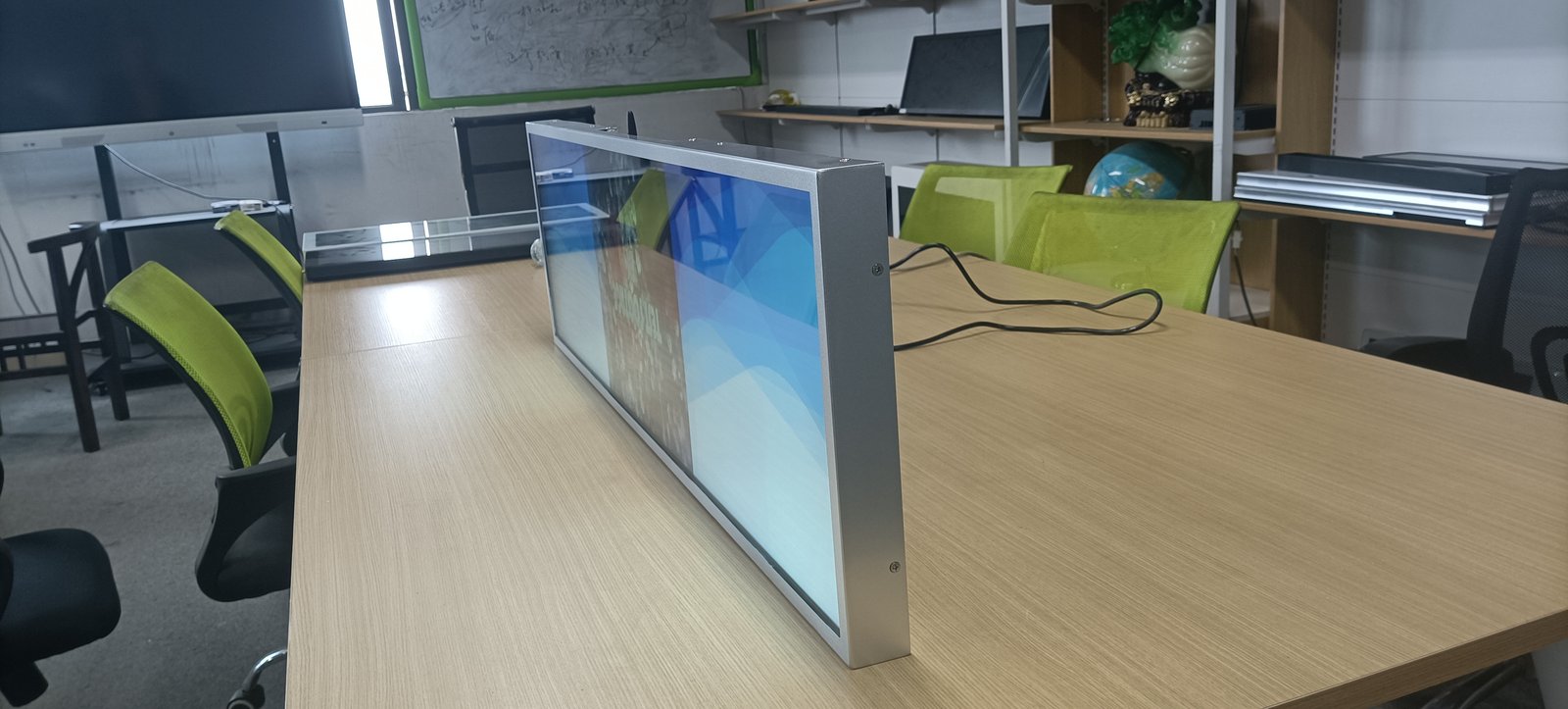
Featuring an ultra-wide elongated geometry, stretched bar LCD displays exhibit centers of gravity and structural load characteristics fundamentally different from standard square monitors. As screen length extends, physical weight distribution across the ends and center becomes uneven; flawed mounting risks gradual sagging, chassis warping, or catastrophic detachment that damages merchandise or injures pedestrians.
Beyond sequential installation steps, this guide examines structural integrity: what engineering principles guarantee a truly secure, rock-solid installation.
1. Understand the Substrate Composition Behind the Wall
Structural mounting stability depends heavily on the wall substrate itself.
Solid concrete masonry and reinforced brick walls offer dependable load-bearing strength. Hollow brick, lightweight drywall partitions, and gypsum plasterboard cannot retain standard expansion anchors under load; while initial bolting may appear firm, mechanical stress over time pulls anchors loose. Glass partitions and decorative curtain walls must never be drilled directly.
Prior to drilling, inspect architectural blueprints and tap the wall to verify composition. For lightweight drywall partitions, secure brackets directly into vertical steel studs, install internal structural backing plates inside the wall cavity, or switch to floor-standing pedestal mounts. Never force heavy anchors into unreinforced drywall.
2. Distribute Fastening Points Uniformly Along Screen Length
Mounting points must be distributed strategically across the display profile.
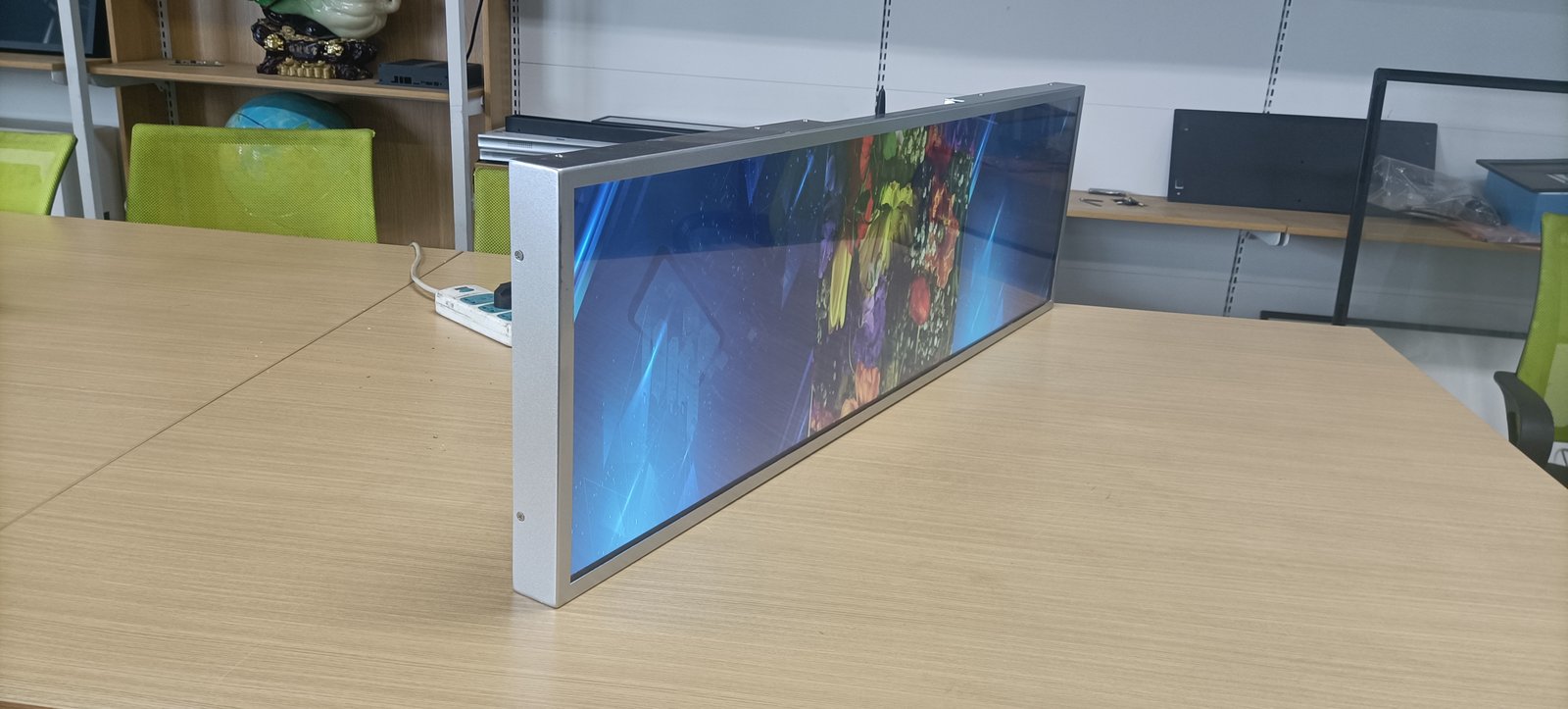
Because stretched displays are elongated, securing brackets solely at the center causes both ends to sag; securing brackets solely at the far ends induces center bowing under self-weight. Sound practice distributes fastening points evenly along the horizontal length to distribute weight uniformly. Specific anchor spacing depends on display length, weight, and manufacturer bracket drawings.
Use a spirit level to align drill marks before drilling. Drilled holes that are misaligned cause tilted displays; drilling supplementary holes compromises substrate strength.
3. Incorporate Secondary Failsafe Safety Mechanisms
Many mounting failures occur because displays rely entirely on a single bracket hook without a secondary failsafe.
Once the display engages the wall bracket, lock secondary safety mechanisms: retaining set-screws, locking pins, or mechanical stop brackets. For overhead ceiling suspension, incorporate redundant safety aircraft cables alongside primary hanging rods. In high-traffic pedestrian corridors, retail aisles, or public concourses, secondary failsafes are mandatory.
4. Ceiling Suspension: Structural Anchor Points Precede Suspension Rods
When suspending displays from ceilings, the most frequent engineering error is obsessing over suspension rod thickness while neglecting the structural anchor point above.
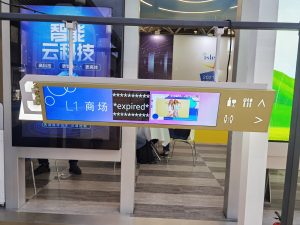
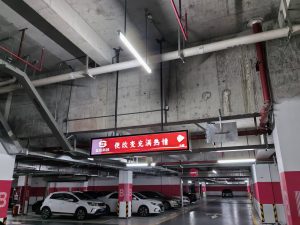
Suspension anchor points must anchor directly into primary structural concrete slabs or steel roof trusses, never hanging from decorative ceiling tiles or light-gauge drywall grid runners alone. Suspension rods, turnbuckles, and display hanging brackets must incorporate generous tensile safety margins. The display must not sway in air currents; install diagonal anti-sway tiebacks or mechanical limiters, calibrating level alignment with a spirit level before torquing fasteners.
While light steel wire rope is sometimes considered for small screens, safety depends on display weight, wire gauge, and ceiling anchor integrity. Consult certified structural engineers rather than guessing.
5. Floor Pedestals and Mobile Carts: Lower the Center of Gravity
Where spatial flexibility is required—such as exhibition booths, temporary pop-up events, or on walls unsuitable for drilling—floor-standing pedestals and mobile rolling carts provide an ideal solution.
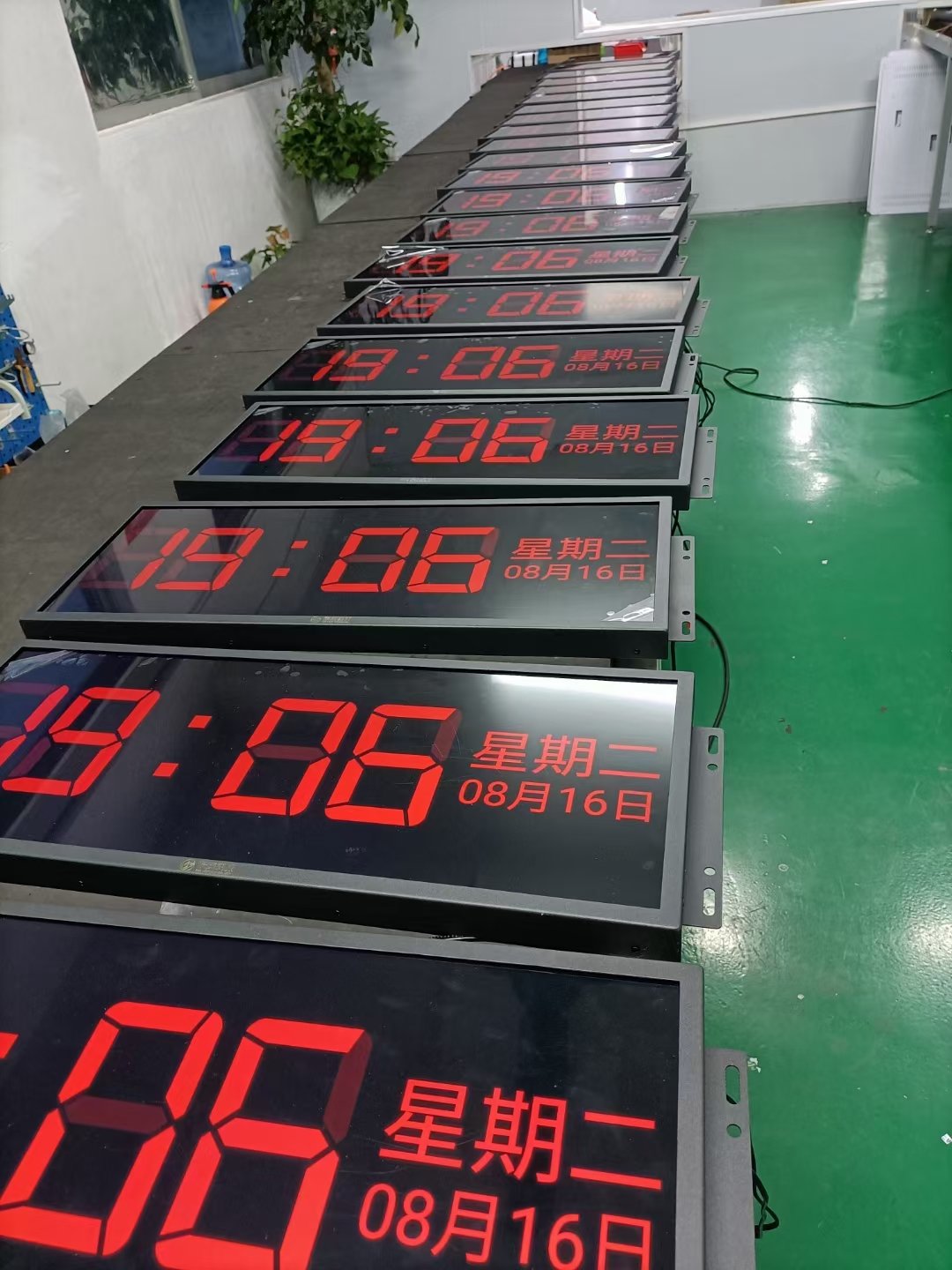
When selecting a stand, verify that rated load capacity substantially exceeds display weight. The base must be broad and heavily counterweighted, keeping the center of gravity low to prevent tipping from accidental collisions. Rolling carts must feature heavy-duty wheel locks engaged whenever positioned. Evaluate whether the screen will mount horizontally or vertically, ensuring the stand is engineered for that specific orientation.
Scheduled Post-Installation Structural Inspections
Mounting a display is not a one-time, permanent affair. Building vibrations, diurnal thermal expansion, and handling stress cause fasteners to loosen over time. Inspect mounting brackets approximately one week after initial installation, followed by scheduled quarterly audits: checking fastener tightness, bracket rigidity, and corrosion. In high-vibration transit hubs, inspection frequency should be increased.
If wobbling, structural play, or abnormal noises are detected, secure the screen immediately and investigate root causes before resuming operation.
Tasks That Require Certified Professionals
Substrate load-bearing evaluations, overhead ceiling suspension, core drilling through building structures, and main electrical wiring should always be executed by certified structural contractors. Independent guesswork risks structural collapse, property damage, and severe physical injury.
Frequently Asked Questions (FAQ)
Can a stretched bar display be mounted directly to gypsum drywall? Direct mounting is strongly advised against. Fasten brackets directly into vertical steel studs, reinforce with internal wooden backing plates, or use a floor-standing pedestal.
How many mounting anchor points are recommended? Anchor count depends on screen length, weight, and bracket geometry. Adhere strictly to the manufacturer engineering drawings provided with your display.
Is slight movement or wobble normal after mounting? No. Any noticeable movement indicates loose anchors, substrate flexing, or bracket mismatch, and must be rectified immediately.
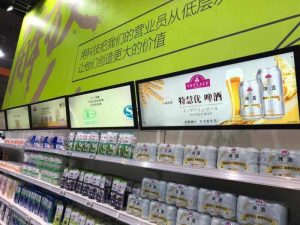
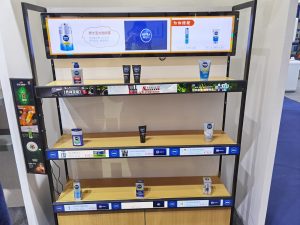
Are specialized mounting brackets available for retail shelving? Yes. Shelf-edge and header installations frequently utilize specialized mounting clips, rail extrusions, and angle brackets tailored to standard retail gondolas.
Conclusion
Achieving a rock-solid stretched bar display installation depends on five engineering fundamentals: assessing wall substrate composition, distributing fastening points evenly, incorporating secondary failsafes, securing true structural ceiling anchors, and executing scheduled post-installation audits. Attending to these fundamentals ensures a secure, long-lasting commercial deployment.
ZXTLCD specializes in commercial-grade LCD stretched bar displays for indoor commercial environments, supporting full dimensional customization. If your project involves specialized mounting constraints, share your site parameters and requirements with our team for professional consultation. Official website: stretchedbarlcd.com/” target=”_blank” rel=”noopener”>www.stretchedbarlcd.com
Explore Related Commercial Stretched Bar LCD Models
If you are sourcing high-reliability stretched display hardware for this application, consider these featured commercial specifications:
- 43.8 Inch 4K Touch Stretched LCD Display for Interactive Signage
- 36.2 Inch Android Stretched LCD Panel for Overhead Information Signage
Need a Custom Screen Size or Turnkey Project Quote?
ZXTLCD provides full ODM/OEM customization for commercial projects—including ultra-wide aspect ratios, sunlight-readable high brightness, custom mounting brackets, and Android/Windows CMS software integration.