
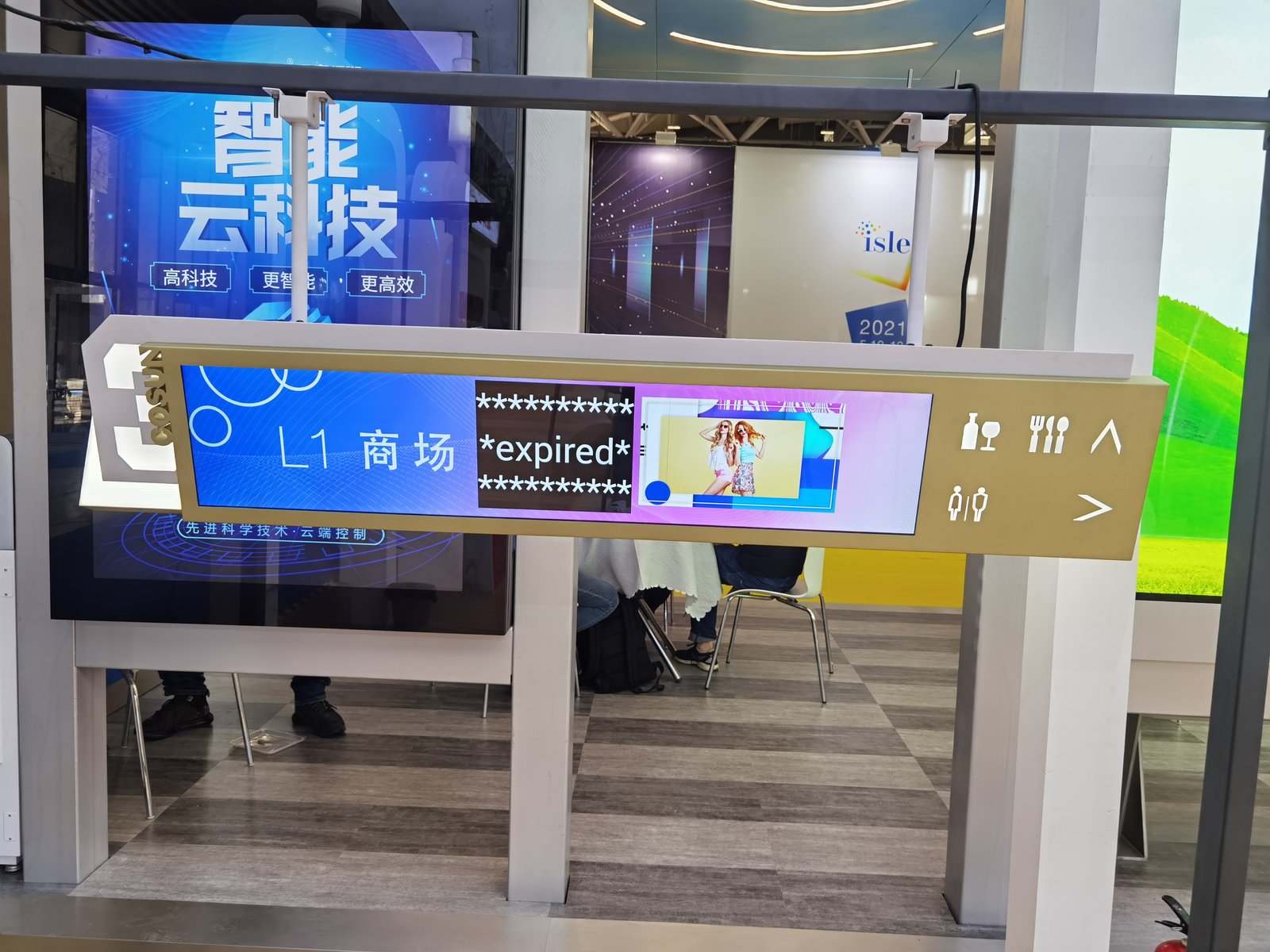
Technical datasheets for stretched bar LCD displays are often overwhelming: non-standard resolutions, brightness nits, contrast ratios, viewing angles, operating lifespans, I/O interfaces, operating systems, and capacitive touch overlays. Worse yet, identical figures from different vendors can represent fundamentally different testing benchmarks and real-world performance.
Rather than memorizing abstract numbers, understand what each technical parameter actually governs in commercial practice.
Resolution: Dictates Optical Crispness and Creative Media Workflow
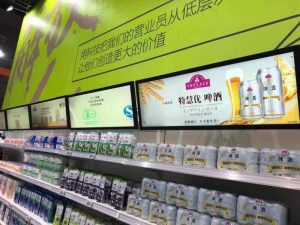
Stretched displays have no single standardized resolution; pixel grids depend on physical aspect ratios and dimensions. Common industry profiles combine expansive horizontal pixel counts with reduced vertical counts, such as 1920×360, 1920×480, 1920×540, and 1920×720, alongside narrower panoramic strips.
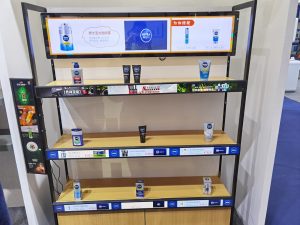
Evaluate two criteria: First, viewing distance: close-up retail shelving and service counters demand high pixel density so fine pricing digits and ingredient copy remain razor-sharp; large-format displays viewed from afar do not require excessive pixel counts, which add unnecessary hardware cost. Second, content production: creative media assets must be authored directly to the panel’s native pixel resolution to prevent image distortion or black pillarbox margins.
Always confirm the exact native pixel resolution with your supplier prior to ordering so your creative design team can prepare assets to size.
Brightness: Match the Environment Rather Than Chasing Numbers
Luminance is measured in cd/m² (nits). A higher number indicates brighter output, but maximum brightness is not universally superior.
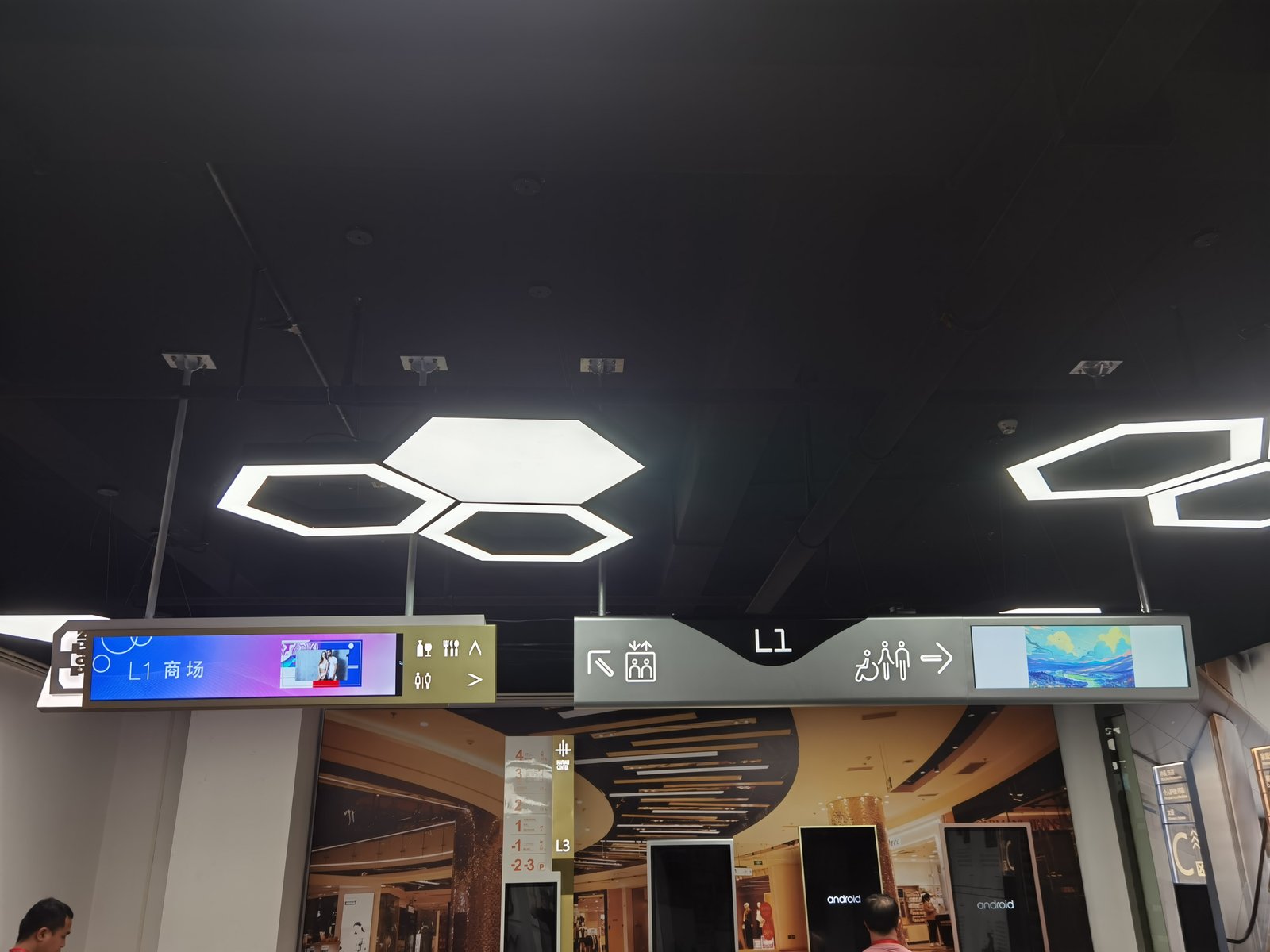
In indoor commercial lighting (supermarkets, pharmacies, retail stores, shopping mall atriums), ratings between 350 and 700+ nits provide ample visual contrast. Excessive brightness at close viewing range causes uncomfortable ocular glare, consumes unnecessary electricity, and generates excess heat.
Elevated brightness (800–1,500+ nits) is required only for window-facing displays, glass showcase storefronts, or areas exposed to natural daylight. For genuine outdoor deployments exposed to rain and weather, displays require specialized all-weather outdoor hardware; indoor stretched displays cannot be substituted.
Verify measurement conditions: does quoted brightness describe bare panel output or finished kiosk luminance through protective glass?
Contrast Ratio and Color Reproduction: Inspect Physical Samples
Contrast ratio defines the luminance dynamic range between deepest black and brightest white. Higher static contrast delivers richer visual depth, making white text pop against dark backgrounds. However, measurement standards vary across manufacturers, making direct number comparisons unreliable.
Color metrics like color gamut, bit depth, and saturation are helpful references, but the most dependable test is inspecting an evaluation sample unit in person: play familiar video footage under your actual store lighting, observing typographic crispness and natural color gradations firsthand.
Viewing Angles: Crucial for Shelf-Edge and Corridor Sightlines
Viewing angles define how well image clarity and color fidelity are preserved when viewed from oblique perspectives. Stretched displays are installed along retail shelves, corridor walls, and checkout transoms where shoppers approach from various angles; wide viewing angles prevent chromatic shifting or washed-out imagery.
Industrial IPS panels deliver ultra-wide 178-degree viewing angles; stand obliquely to sample screens during evaluations to verify consistent visibility.
Interactive Touch: Specify Only Where Interaction Adds Value
Interactive touch overlays allow shoppers to browse catalogs or look up directories, ideal for interactive kiosks and self-service wayfinding. However, along shelf edges or overhead gondola headers where customers cannot touch screens, adding touch overlays increases hardware costs, complicates cleaning, and introduces unnecessary points of failure.
If touch is required, confirm touch technology (projected capacitive P-Cap vs. infrared IR), touch points, response sensitivity, and multi-touch gesture support under your lighting environment.
I/O Ports and Operating Systems: Dictate Content Management
Regarding connectivity, HDMI, VGA, or Type-C inputs allow connection to external PC media players. Regarding operating systems, some displays are pure monitors requiring external players, while smart displays incorporate integrated onboard compute motherboards for standalone playback.
This architecture directly impacts ongoing management: will playlists be updated via USB flash drives or remote cloud CMS software? Does the hardware support your existing enterprise signage software, or are proprietary media boxes required?
For example, ZXTLCD’s 36.2-inch stretched display features an integrated Android compute engine with Wi-Fi and Ethernet connectivity, pairing seamlessly with compatible digital signage software. Inform our engineering team of your preferred CMS software during planning to verify compatibility.
Operating Lifespan: Scrutinize Claims of ‘100,000 Hours’
Marketing brochures frequently boast ‘100,000 hours lifespan,’ translating theoretically to over twenty years of daily 12-hour operation. While mathematically correct, its practical relevance is limited.
Backlight lifespan describes the time required for luminous output to attenuate by 50% under ideal laboratory conditions. Long before that milestone, power supply units, controller motherboards, cooling fans, and interface connectors may degrade if thermal management is poor.
Inquire about testing conditions: does the rating describe backlight diodes or the complete integrated terminal? What is the warranty duration? A comprehensive warranty SLA represents the manufacturer’s genuine commitment to hardware durability.
Dimensions and Mounting: Measure Site Clearances First
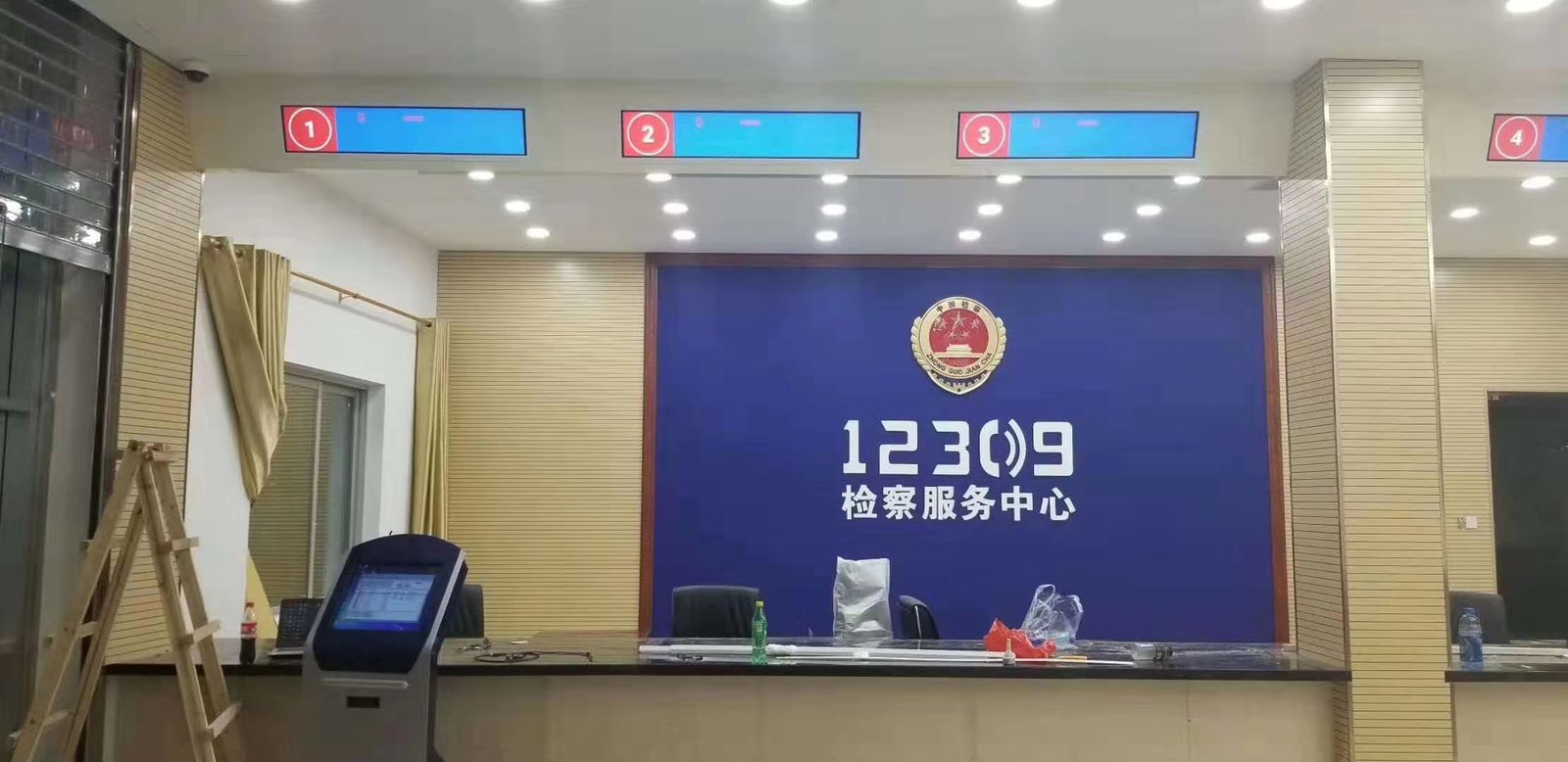
The greatest competitive advantage of stretched bar displays is custom dimensional engineering; selection should always begin with physical mounting measurements: available width, vertical height, and mounting style (wall-mounted, ceiling-hung, recessed, or shelf-clip).
Ensure spatial dimensions reserve clearances for bezels, cabling conduits, and convective thermal ventilation, verifying structural load capacity. ZXTLCD provides custom dimensional engineering tailored to exact site measurements.
The Pre-Procurement Questionnaire
Where will the display be installed, and what are exact physical clearances? What is primary viewing distance? What is ambient lighting? What media formats will be broadcast, and is multi-zone partitioning needed? How many units are required, and is cloud CMS fleet management needed? Is interactive touch required, and what is the budget?
Providing clear answers to these questions allows suppliers to tailor accurate hardware proposals, ensuring you invest only in features that deliver genuine operational value.
Frequently Asked Questions (FAQ)
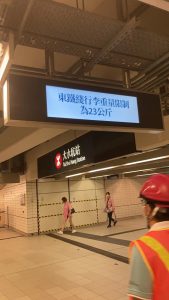
Is higher resolution always better for stretched displays? No. Resolution must balance screen size and viewing distance: close-range shelf signage demands high pixel density, whereas distant overhead transit signage prioritizes high contrast over extreme pixel density.
What brightness rating is recommended for indoor retail? 350 to 700 nits is ample for typical indoor lighting. Higher ratings (800–1,500 nits) are reserved for sun-drenched shop windows, while outdoor installations require dedicated outdoor-rated displays.
Can datasheet performance figures be trusted implicitly? They serve as baseline references; always verify testing benchmarks and evaluate physical sample units under real operating conditions.
Can standard stretched displays be deployed outdoors? Our standard stretched displays are designed for indoor commercial spaces; they are not waterproof outdoor products. Outdoor deployments require dedicated all-weather outdoor hardware.
Conclusion
Selecting a stretched bar LCD display begins by defining physical site dimensions and communication goals, evaluating resolution, brightness, touch overlays, I/O interfaces, and duty cycles against operational realities, and verifying quality via physical sample units and warranty SLAs. Defining your requirements upfront ensures a high-return, cost-effective deployment.
ZXTLCD specializes in commercial-grade LCD stretched bar displays with full dimensional customization. If your project has specific mounting dimensions, application scenarios, and unit requirements, contact our engineering team to assess tailored solutions. Official website: stretchedbarlcd.com/” target=”_blank” rel=”noopener”>www.stretchedbarlcd.com
Explore Related Commercial Stretched Bar LCD Models
If you are sourcing high-reliability stretched display hardware for this application, consider these featured commercial specifications:
- 43.8 Inch 4K Touch Stretched LCD Display for Interactive Signage
- 36.2 Inch Android Stretched LCD Panel for Overhead Information Signage
Need a Custom Screen Size or Turnkey Project Quote?
ZXTLCD provides full ODM/OEM customization for commercial projects—including ultra-wide aspect ratios, sunlight-readable high brightness, custom mounting brackets, and Android/Windows CMS software integration.