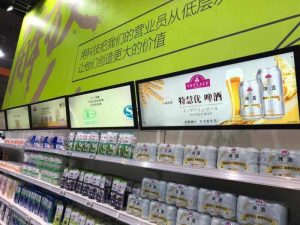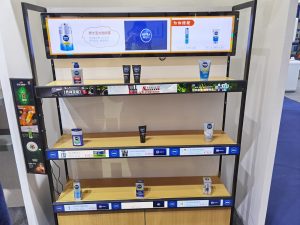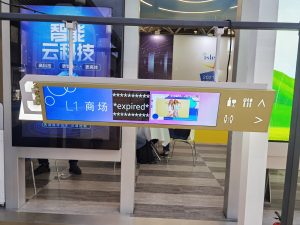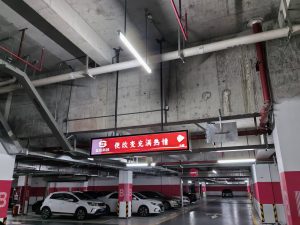

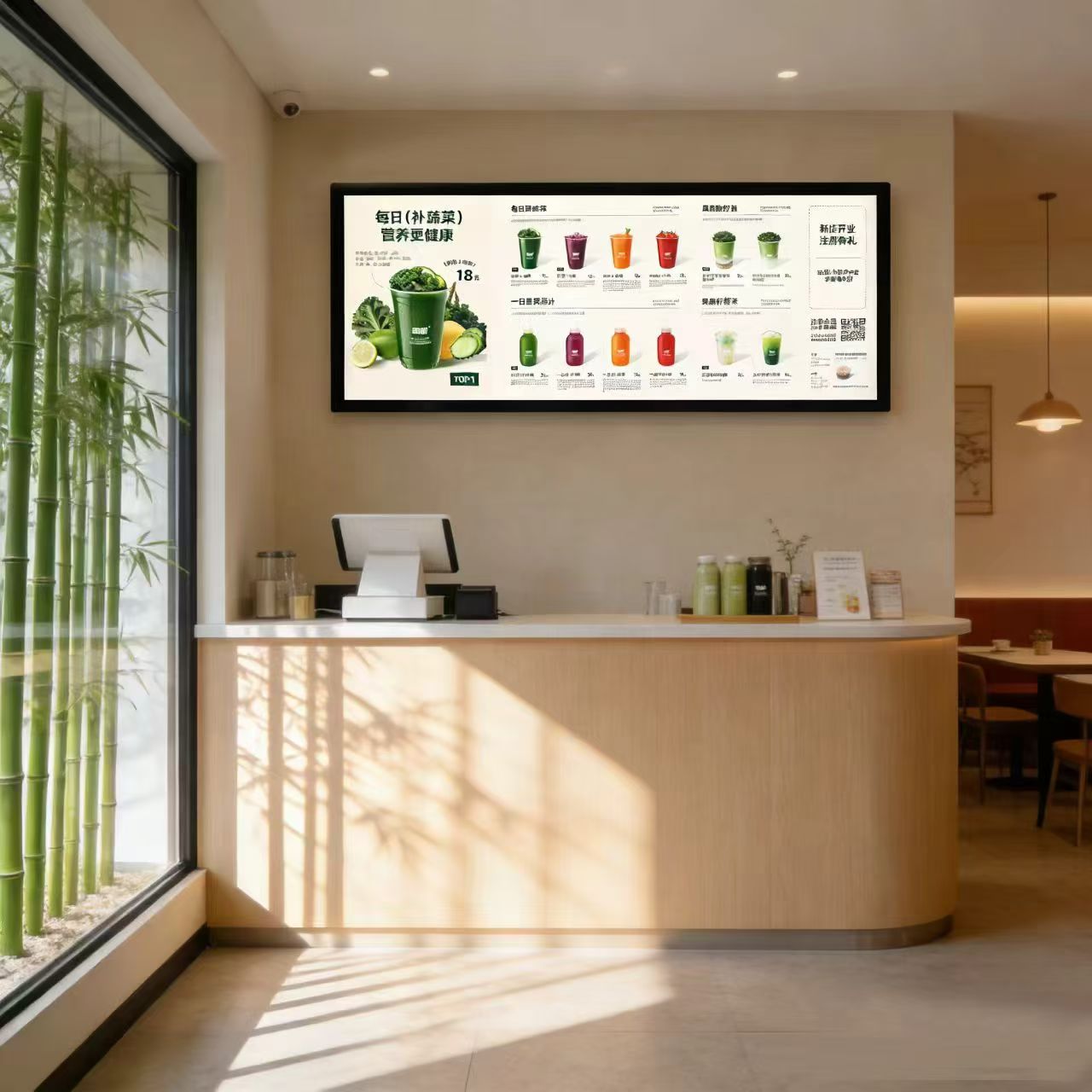
Characterized by an ultra-wide elongated form factor, stretched bar LCD displays are widely deployed across retail shelf edges, checkout headers, upper wall borders, and corridor flanks. When installed properly, the display integrates harmoniously with the architectural space; when installed carelessly, issues inevitably follow: tilted alignments, structural wobble, exposed cable clutter, or even hazardous drop risks.
Below is a practical installation guide following real-world operational sequences. Because specific VESA hole patterns, I/O ports, and mounting brackets vary across hardware models, always consult the included product manual and engineering drawings; this guide outlines universal best practices.
Step 1: Thorough Pre-Installation Preparation
Component Inventory Audit: Cross-check the packing manifest to verify that the display panel, mounting brackets or framing, fasteners, power adapters, signal leads, and user manuals are complete. If physical damage or missing parts are discovered, document them with photographs immediately and contact your supplier.
Spatial Measurement: Measure the available length and height at the installation location, comparing measurements against display dimensions. Ensure adequate clearances are reserved for bezel profiles, cabling bends, and convective heat dissipation. Because stretched displays support custom sizing, confirm site dimensions prior to manufacturing rather than improvising post-delivery.
Sightline and Placement Planning: Evaluate human viewing heights and sightline angles. Avoid direct sunlight glare and areas prone to accidental physical impacts, verifying nearby AC electrical power and network connectivity in advance.
Wall Substrate Load Assessment: Solid concrete masonry and reinforced brick walls offer dependable load-bearing capacity. Lightweight drywall partitions, hollow brick, and glass dividers have limited strength, requiring internal structural reinforcement plates or alternative floor-standing brackets. Consult structural professionals if load capacity is uncertain.
Electrical Safety: Ensure electrical circuits incorporate residual current circuit breakers (RCCBs) and verified low-impedance earth grounding. Prior to drilling, use wall scanners or architectural drawings to ensure drill paths avoid hidden water pipes and electrical conduits.
Three Common Installation Methods
1. Wall-Mounted Installation
The most prevalent approach, well-suited for shopping malls, exhibition galleries, and corporate office walls.
General Steps: Mark mounting holes on the wall according to the bracket layout, verify level alignment with a spirit level, drill pilot holes, insert expansion bolts, and fasten the wall bracket securely. Mount the display onto the bracket, calibrate horizontal alignment and tilt angle, and secure all power and signal cables.
Key Considerations: After anchoring the bracket, gently shake it by hand to verify rigidity before hanging the heavy display. Preserve an adequate gap between the display rear and wall surface to facilitate thermal convective airflow and allow hand clearance for future servicing.
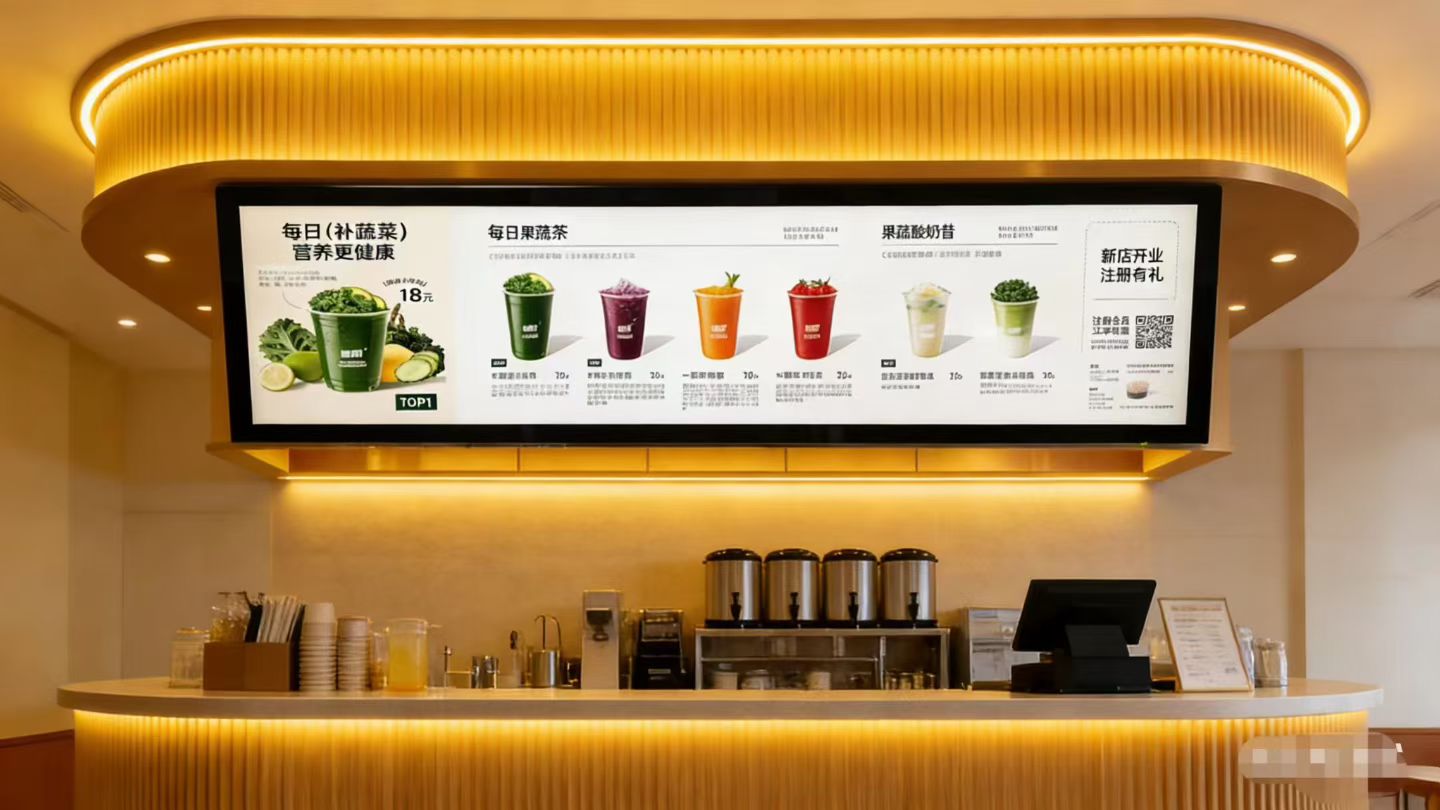
2. Ceiling-Suspended (Hanging) Installation
Ideal for overhead ceiling locations, such as aisle corridors, transit gates, and retail service counter canopies.
General Steps: Verify that the overhead ceiling structure possesses verified load capacity. Anchor suspension rods or steel safety chains to structural beams, hang the display, calibrate horizontal level and viewing tilt, and route cabling securely.
Key Considerations: Safety requirements for overhead hanging are exacting: anchor points must bolt into primary structural concrete or steel trusses, never hanging from decorative plaster ceiling boards alone. Ensure suspension rods and fasteners incorporate generous tensile safety margins. The display must not sway in drafty corridors; install lateral diagonal tiebacks or mechanical limiters where necessary, particularly in high-traffic pedestrian zones.
3. Recessed (Flush Embedded) Installation
Applied within architectural walls, millwork cabinetry, retail shelving headers, or decorative feature surfaces. The screen sits flush within a pre-engineered opening, presenting an ultra-clean appearance.
General Steps: Cut a precision opening in the wall or cabinetry matching screen dimensions, insert the display, lock it in place using mounting flanges or retaining clips, and connect cabling.
Key Considerations: Pay special attention to two critical factors: first, thermal dissipation—never hermetically seal all four sides of the display, preserving convective ventilation gaps; second, servicing accessibility—plan how technicians will extract the display for maintenance or cable inspection in the future. Recessed mounting is best coordinated during initial interior renovation.
For shelf edges and gondola headers, specialized mounting clips or extrusion tracks are commonly deployed; coordinate with your hardware supplier to match specific shelving profiles.
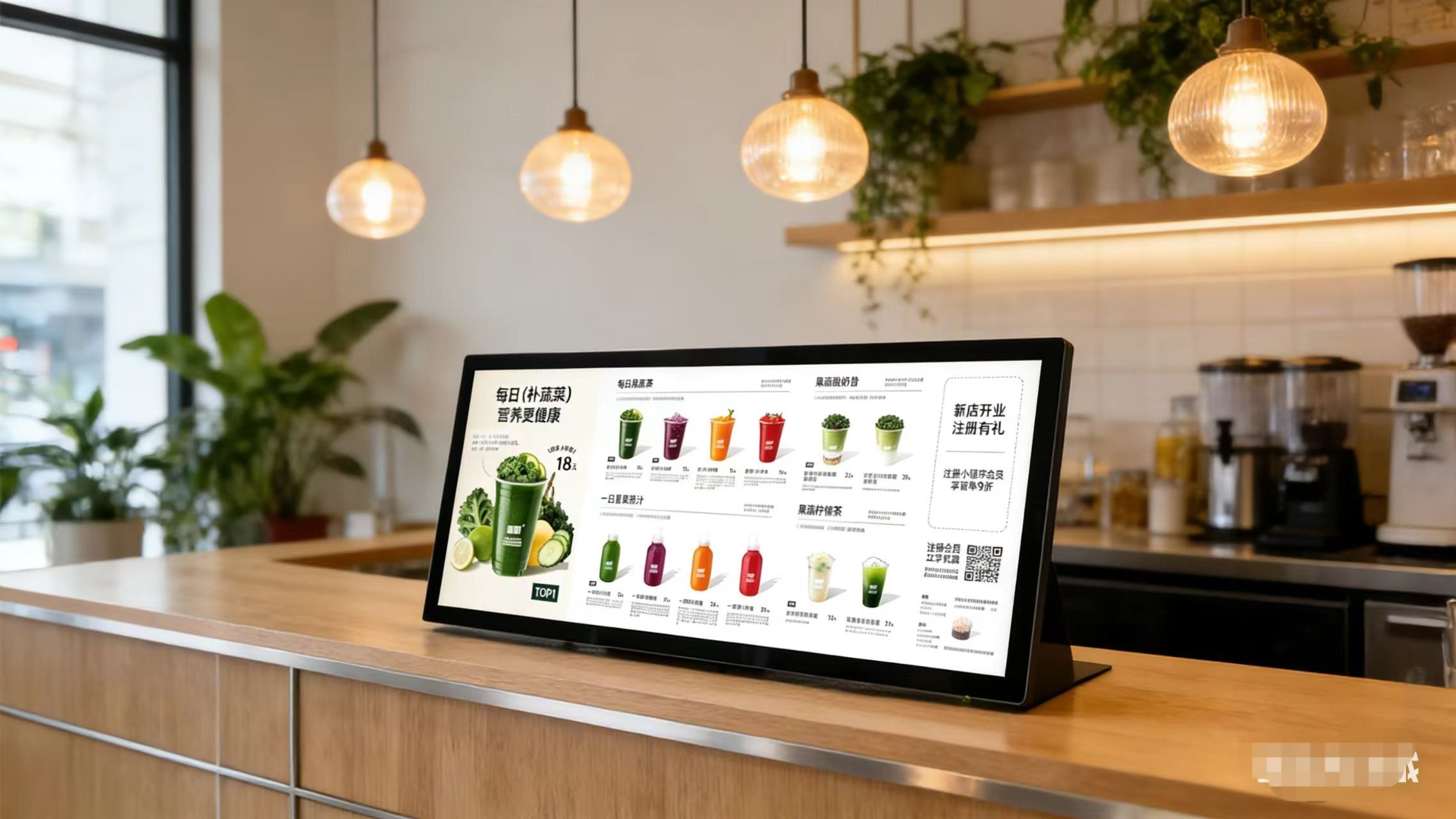
Power-On Commissioning: Never Skip This Step
Once mounting is rigid and cabling is secured, perform thorough electrical commissioning before declaring the job complete.
Verify normal startup: inspect the panel for image anomalies such as flickering, colored vertical lines, or pixel defects. Adjust brightness, contrast, and color balance to harmonize with ambient room illumination. Test video media playback; if operating networked CMS software, verify network connectivity and remote playlist publishing. Because stretched displays utilize non-standard aspect ratios, creative media assets must be authored to native pixel resolution to prevent image stretching or black letterboxing.
Conduct final verification: confirm brackets are rigid without tilt, and ensure power and signal cables are firmly seated without pinched leads or hanging loops.
Common Pitfalls to Avoid
Cable Routing: Conceal cabling within in-wall conduits or surface raceways for a professional appearance while preventing tripping and accidental pulls.
Thermal Convection: Commercial displays generate heat during continuous operation; preserve ventilation clearances and avoid placing screens inside tight, unventilated enclosures.
Moisture and Heat Hazards: Ensure the installation environment is dry and ventilated. Commercial stretched displays are engineered for indoor commercial spaces—they are not waterproof outdoor units—and must avoid direct rain, extreme sunlight baking, and high humidity.
Preventing Mechanical Impact: Handle panels with care during transit and mounting; never apply concentrated pressure directly against the optical glass surface.
Safety First: Overhead suspension, elevated work, and electrical distribution should always be executed by certified professionals.
Routine Post-Installation Care
Regularly wipe the screen and metal bezel using a soft, dry microfiber cloth; never spray liquid cleaners directly onto the screen. Periodically inspect mounting brackets for loose fasteners, checking cables for aging and connector pins for oxidation. If screen glitching, blackouts, or abnormal heating occur, contact certified technicians immediately rather than attempting unauthorized disassembly.
Frequently Asked Questions (FAQ)
Can facility staff install stretched bar displays independently? Small displays in simple environments can be installed in-house. However, overhead hanging, heavy structural wall mounting, and electrical wiring should be handled by professional contractors.
How should installations handle hollow drywall partitions? Reinforce the wall with internal structural backing plates or fasten directly into vertical steel studs; avoid relying on standard drywall expansion anchors alone.
What if screen dimensions mismatch the physical opening? Dimensions should always be confirmed prior to procurement. Stretched LCDs support custom sizing, and ZXTLCD evaluates physical specifications tailored to your installation site.
Why does video content appear stretched or distorted after installation? This indicates an aspect ratio mismatch. Re-render creative video assets to the display panel’s exact native pixel resolution to restore proper proportions.
Conclusion
Installing a stretched bar LCD display follows clear fundamentals: measure accurately beforehand, select strategic placement, anchor brackets securely, organize cabling neatly, and execute thorough power-on testing. Wall mounting is the most versatile, ceiling suspension suits overhead corridors, and recessed embedding delivers maximum aesthetic cleanliness. Methodically observing these guidelines ensures a smooth, worry-free deployment.
ZXTLCD specializes in commercial-grade LCD stretched bar displays with full dimensional customization. If your project involves unique mounting constraints, share your site dimensions, mounting preferences, and application scenarios with our engineering team for tailored consultation. Official website: stretchedbarlcd.com/” target=”_blank” rel=”noopener”>www.stretchedbarlcd.com
Explore Related Commercial Stretched Bar LCD Models
If you are sourcing high-reliability stretched display hardware for this application, consider these featured commercial specifications:
- 43.8 Inch 4K Touch Stretched LCD Display for Interactive Signage
- 36.2 Inch Android Stretched LCD Panel for Overhead Information Signage
Need a Custom Screen Size or Turnkey Project Quote?
ZXTLCD provides full ODM/OEM customization for commercial projects—including ultra-wide aspect ratios, sunlight-readable high brightness, custom mounting brackets, and Android/Windows CMS software integration.