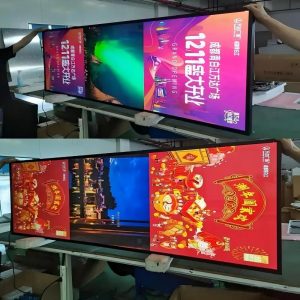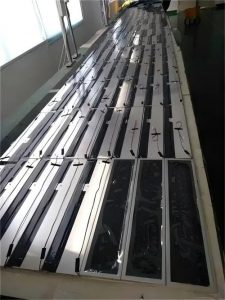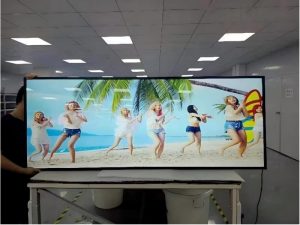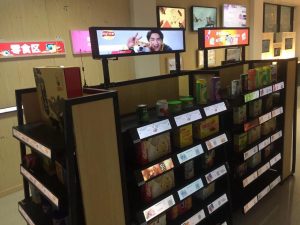

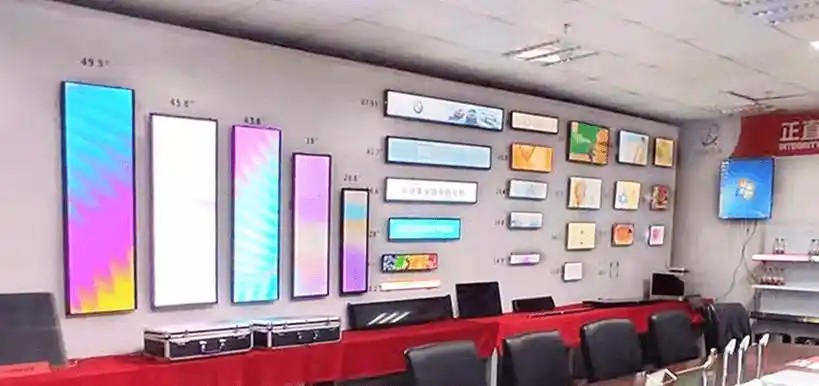
As a modern commercial display technology, multimedia stretched LCD displays have gained widespread adoption across numerous industries. Despite their distinctive form factor and visual appeal, continuous long-term operation under demanding commercial environments can lead to component degradation over time. This article outlines common issues that may emerge during prolonged operation and presents proactive countermeasures.
1. Degradation of Display Quality
Prolonged operation can cause gradual declines in visual fidelity, manifesting as luminance non-uniformity, color shifting, or muted vibrancy. These symptoms typically stem from LED backlight luminous decay, pixel aging, or optical performance drift within the liquid crystal layer and polarizing filters.
2. Subpixel Anomalies and Pixel Defects
Extended thermal and electrical stress can induce subpixel driver failures, resulting in stuck bright pixels, permanent dark pixels, or dead subpixels. These defects appear as noticeable specks on the screen surface, detracting from the overall presentation quality.
3. Motion Blur and Trailing Artifacts
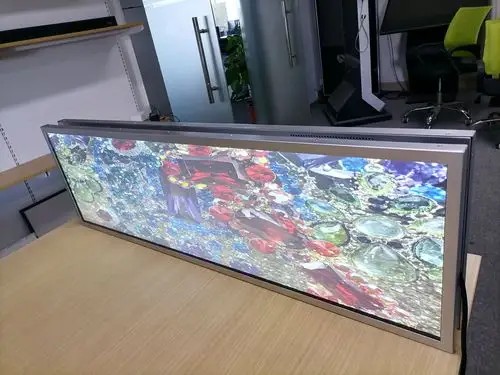
When displaying high-speed promotional videos or rapidly scrolling ticker text, stretched LCDs may exhibit ghosting or motion trailing if liquid crystal response times degrade. In scenarios requiring crisp dynamic playback, motion blur impairs legibility.
4. Backlight Luminance Decay
Over continuous thousands of operating hours, backlight brightness naturally experiences progressive attenuation due to diode thermal fatigue or driver component drift. Significant luminance decay causes screen darkening, diminishing brand visibility in bright commercial environments.
5. Viewing Angle Constriction
Certain aged or lower-tier LCD panels may suffer from chromatic distortion, reduced brightness, or image wash-out when viewed from off-axis angles. In public corridors where shoppers view displays from oblique perspectives, restricted viewing angles undermine promotional effectiveness.
6. Image Retention (Burn-In Artifacts)
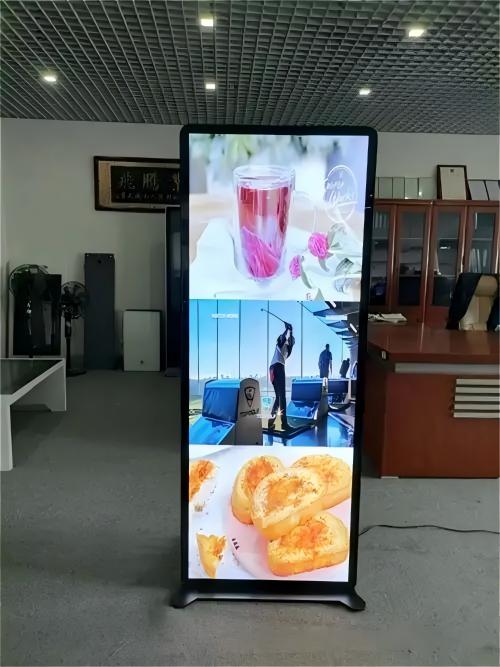
Continuously displaying static graphics, unchanging pricing layouts, or fixed brand logos over extended periods can trigger image persistence. Uneven electrical stress across static subpixels leaves faint residual ghost images when switching to new content, undermining visual clarity.
Proactive Measures to Mitigate Issues and Extend Operating Life:
1. Calibrate Brightness and Contrast Wisely: Avoid operating displays permanently at 100% maximum luminance; calibrate screen output to ambient lighting levels to reduce thermal load on LEDs and driver ICs.
2. Perform Routine Surface and Vent Cleaning: Regularly wipe optical surfaces with a soft microfiber cloth and clear dust from ventilation ports to prevent particulate insulation and overheating.
3. Rotate Content to Prevent Image Retention: Avoid displaying frozen static graphics indefinitely. Utilize dynamic loops, subtle pixel shifting, or alternating video playlists to equalize subpixel workload.
4. Conduct Periodic Color and Gamma Recalibration: Periodically recalibrate display color parameters to maintain consistent white balance and optimal contrast across the product lifecycle.
5. Engage Professional Maintenance Promptly: Upon observing stuck pixel clusters, abnormal flickering, or power irregularities, contact qualified service technicians immediately to rectify component faults before secondary cascade damage occurs.
Explore Related Commercial Stretched Bar LCD Models
If you are sourcing high-reliability stretched display hardware for this application, consider these featured commercial specifications:
- 88 Inch 4K Ultra Wide Stretched Bar LCD Monitor
- 28 Inch Android Stretched LCD Bar for Shelf-Edge Signage
Need a Custom Screen Size or Turnkey Project Quote?
ZXTLCD provides full ODM/OEM customization for commercial projects—including ultra-wide aspect ratios, sunlight-readable high brightness, custom mounting brackets, and Android/Windows CMS software integration.