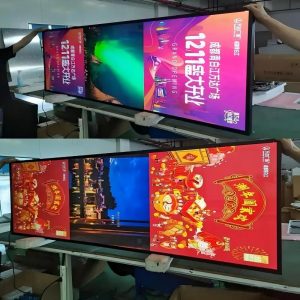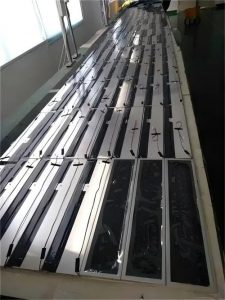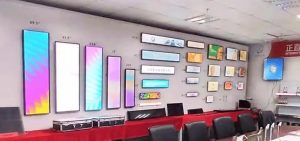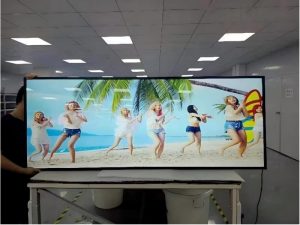

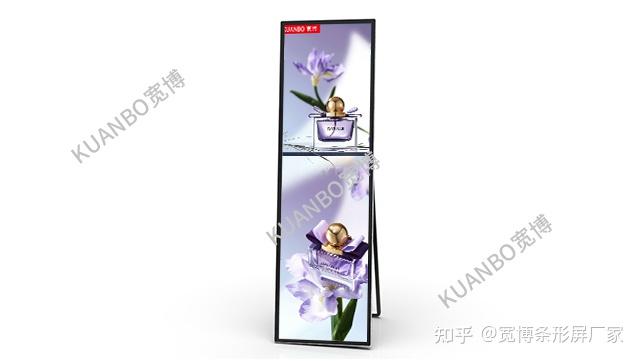
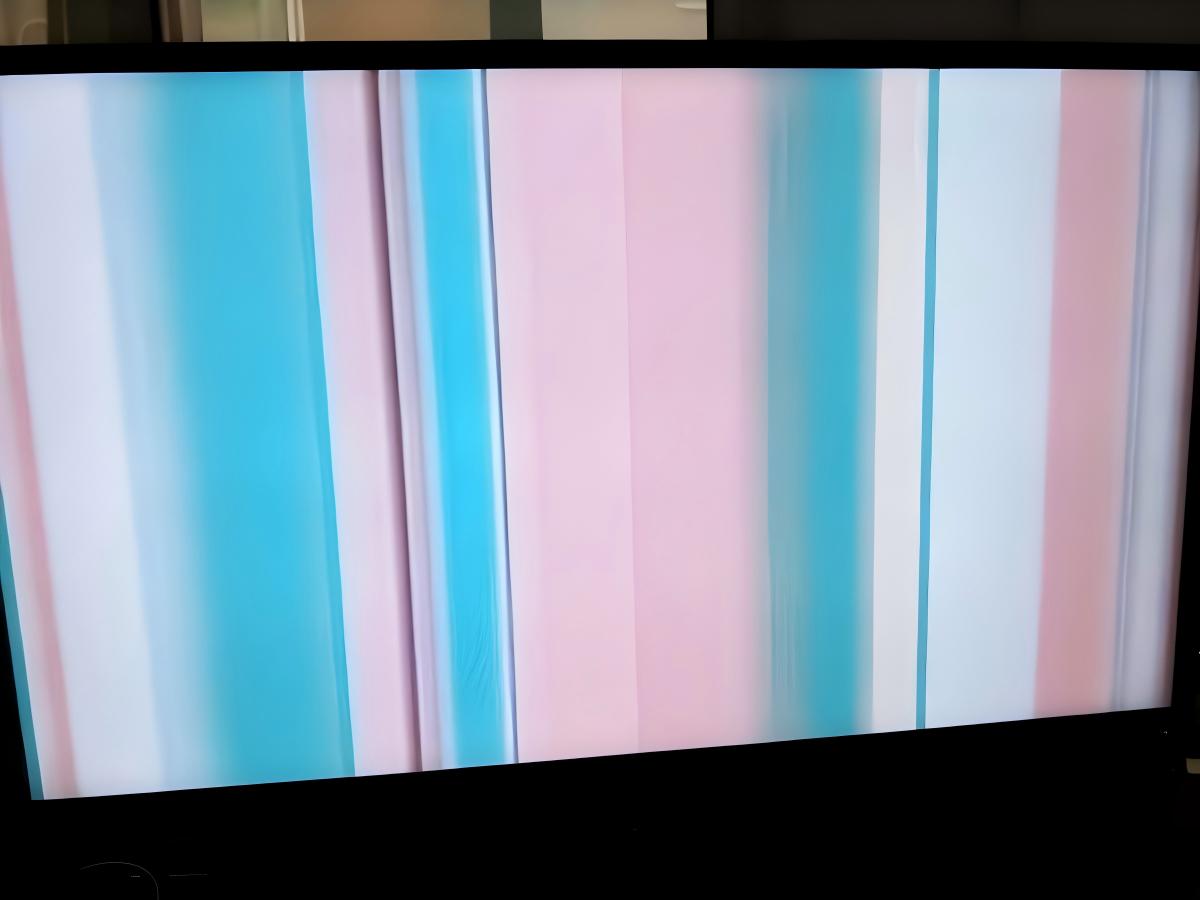
Stretched bar LCD advertising displays represent a premier visual medium widely integrated into commercial computing, retail environments, smart terminals, and digital signage. When hardware or transmission anomalies occur, displays may present symptoms such as image distortion, screen flickering, artifact snow, or total signal blackout. Below is a comprehensive guide to diagnosing and resolving these issues.
1. Inspect Power and Video Cable Connections
Begin by inspecting all physical connections. Ensure the main power cord is securely seated in both the display port and the electrical outlet. Check video cables (HDMI, DP, or LVDS/eDP ribbons) for loose seating. Loose or intermittent cable contacts are the most frequent culprits behind flickering lines and unstable signal handshakes.
2. Verify or Replace the Power Adapter
If screen instability or failure persists, evaluate the external power adapter. The power supply converts AC grid current into clean, regulated DC power matched to the controller and panel. A deteriorating or under-spec adapter cannot deliver stable voltage under peak brightness loads, inducing backlight ripples and screen glitches. Testing with an OEM-spec replacement adapter can quickly verify this cause.
3. Check the Display Backlight Assembly
Stretched LCD panels rely on internal LED backlight arrays to illuminate visual content. Deteriorating LED strips, burnt diodes, or faulty constant-current driver boards will manifest as intermittent backlight blinking, localized dimming, or overall flicker. If backlight components are compromised, consult the manufacturer or a certified display technician for professional replacement.
4. Reset the Stretched Display and Controller
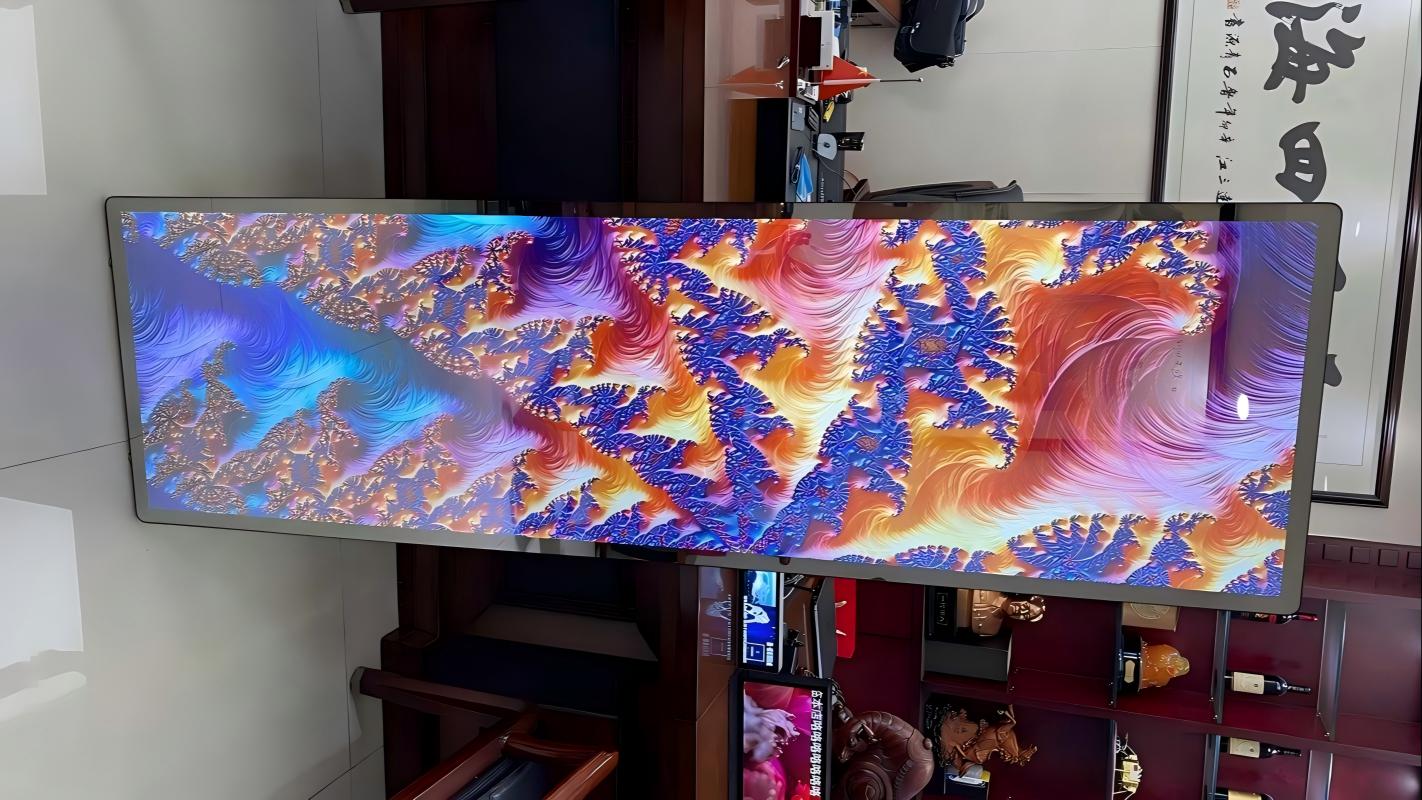
In select scenarios, controller firmware glitches, EDID handshake mismatches, or software driver stalls can produce abnormal image scanning. Performing a factory hardware reset can restore default timing parameters. Consult your product user manual or contact manufacturer support for specific reset pinholes or key combination sequences.
5. Examine the LCD Glass Substrate and COF Connections
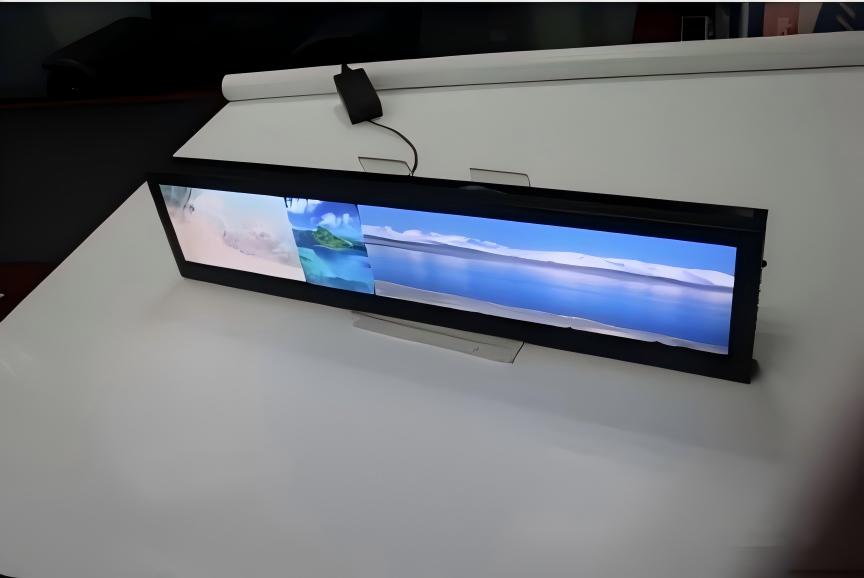
The liquid crystal panel itself is the core imaging component. Physical stress, cracked glass edges, or damaged Chip-on-Film (COF) bonding leads directly to vertical colored lines, horizontal banding, severe color distortion, or corrupted mosaic blocks. Inspect the panel surface for micro-fractures. If physical integrity is intact, explore recalibrating timing parameters; if physical glass or driver IC bonding is fractured, panel replacement is required.
6. Seek Professional Technical Service
If systematic troubleshooting does not eliminate the glitching or flickering, escalate the issue to certified display service engineers or the original equipment manufacturer. Qualified technicians possess specialized diagnostic tools, oscilloscopes, and clean-room bonding capabilities to accurately diagnose and repair internal logic boards and power circuitry.
In summary, stretched bar LCD displays serve as essential digital signage assets. When flickering or screen artifacts emerge, systematic troubleshooting—spanning cable checks, adapter testing, backlight inspection, firmware resets, and professional technical support—will reliably pinpoint and rectify the root cause.
Explore Related Commercial Stretched Bar LCD Models
If you are sourcing high-reliability stretched display hardware for this application, consider these featured commercial specifications:
Need a Custom Screen Size or Turnkey Project Quote?
ZXTLCD provides full ODM/OEM customization for commercial projects—including ultra-wide aspect ratios, sunlight-readable high brightness, custom mounting brackets, and Android/Windows CMS software integration.