
When a stretched bar LCD suddenly fills with pixel snow, static artifacts, or blurred text and imagery, the instinctive reaction for many operators is that the screen has suffered terminal hardware failure, prompting thoughts of factory return or costly replacement.
However, field service experience reveals that the vast majority of these symptoms originate externally: loose cabling, contact pin oxidation, or video signal mismatches. True panel damage accounts for only a minor fraction of incidents. Spending ten minutes conducting systematic troubleshooting before ordering a replacement frequently saves significant project expense.
First: Categorize Your Visual Symptoms Accurately
While ‘snow’ and ‘blurring’ may seem similar at first glance, their root causes differ substantially. Identifying the exact visual symptom is the first step.
Full-screen flickering fine noise—resembling analog television static—almost invariably points to signal transmission disruptions, such as loose cable seating, oxidized pins, electromagnetic interference, or media player output glitches.
Overall image softness, edge fuzziness, or illegible text typically stems from resolution scaling mismatches, stretched aspect ratios, surface optical condensation/grime, or degraded video bandwidth.
Stationary bright spots, dead pixels, fixed vertical or horizontal colored lines, localized light leakage, or frozen color blocks correlate strongly with physical glass substrate or driver IC bonding failure, requiring scrutiny of the panel itself.
Step 1: Inspect Cable Connectors and Cabling Integrity
This is the most critical starting point and the simplest to resolve.
Always power off the device before reseating all video cables and power connections. Loose terminal seating is among the most frequent causes of snow artifacts. Stretched bar displays installed on retail shelf edges, wall mounts, or transit vehicles experience persistent low-amplitude vibrations that gradually loosen connectors over time.
Next, inspect connector pins and cable ends for oxidation, darkening, bent pins, or physical warping. In humid operating environments, pin oxidation is common; gently clean contacts using a dry, soft-bristled brush. Never apply wet wipes or corrosive solvents directly to interface ports.
If a spare cable is accessible, swap it in immediately. Internal conductor fracture and degraded EMI shielding are rarely visible externally, making direct cable substitution the fastest verification method. Excessively long, low-spec cables or signal leads bundled tightly alongside heavy AC power cords will induce severe crosstalk and visual noise.
Step 2: Test with an Alternate Signal Source
Once cable integrity is confirmed, evaluate the video signal source.
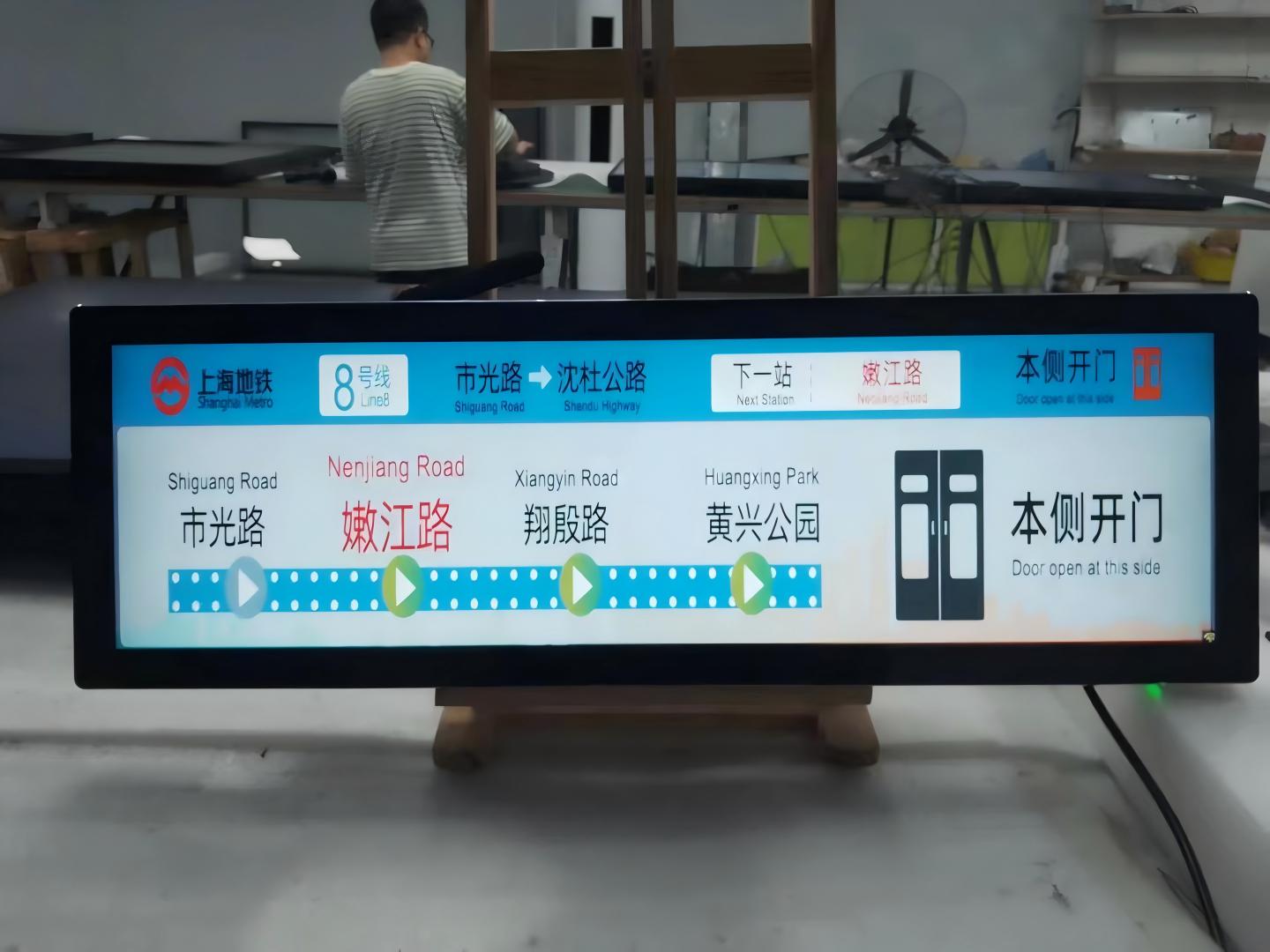
Connect the display to an alternate media player or test laptop, or conversely, connect the existing media player to a known-functional monitor. If the image restores cleanly on an alternate player, the root fault lies within the original media box, PC graphics card, or video output port—not the stretched display panel.
Simultaneously verify that the output resolution and refresh rate strictly match the panel’s native specifications. Because stretched bar screens utilize non-standard aspect ratios, incorrect EDID configurations cause severe image stretching, blurred contours, and fuzzy font rendering. Refer to product data sheets for precise native resolutions, or consult your supplier.
If operating via a networked digital signage CMS, republish the media playlist or test with high-resolution reference content to eliminate artifacts caused by excessive compression or misconfigured rendering canvases.
Step 3: Evaluate the Display’s Built-in Test Pattern
Many commercial stretched displays feature built-in test patterns—such as solid white, red, green, blue fields, gradients, or color bars—that render independently of external inputs. Consult your hardware manual to activate internal test screens.
This test provides a definitive diagnostic benchmark: if the internal test pattern renders clean, uniform, and free of snow or artifacts without external input, the LCD panel, T-Con board, and backlight driver are fully functional. The fault resides upstream in external cabling or source playback hardware.
Conversely, if static snow, bright lines, abnormal color patches, or blurring persist across internal test screens regardless of cable and source swaps, the display panel or internal controller board is suspect.
Step 4: Rule Out Environmental and Electromagnetic Interference
In certain scenarios, visual anomalies originate from ambient operational surroundings rather than hardware defects.
Proximity to high-power industrial machinery, heavy step-down transformers, unshielded motors, or signal cables bundled alongside high-voltage electrical mains can induce substantial EMI. Relocate equipment or physically segregate video and power runs to observe visual improvements.
In high-humidity spaces or zones with sharp thermal swings, condensation can form on the inner optical face, mimicking image blurring. De-energizing the screen and allowing proper convective drying will resolve temporary fogging. Wipe external surface fingerprints, oils, and particulate accumulation using a clean, soft microfiber cloth before drawing conclusions.
How to Determine If the Panel Itself Is Damaged
Synthesizing the diagnostic steps above yields a reliable verdict:
If swapping cables or signal sources completely restores crisp image rendering, the display panel is intact, and the issue was localized to wiring or player hardware.
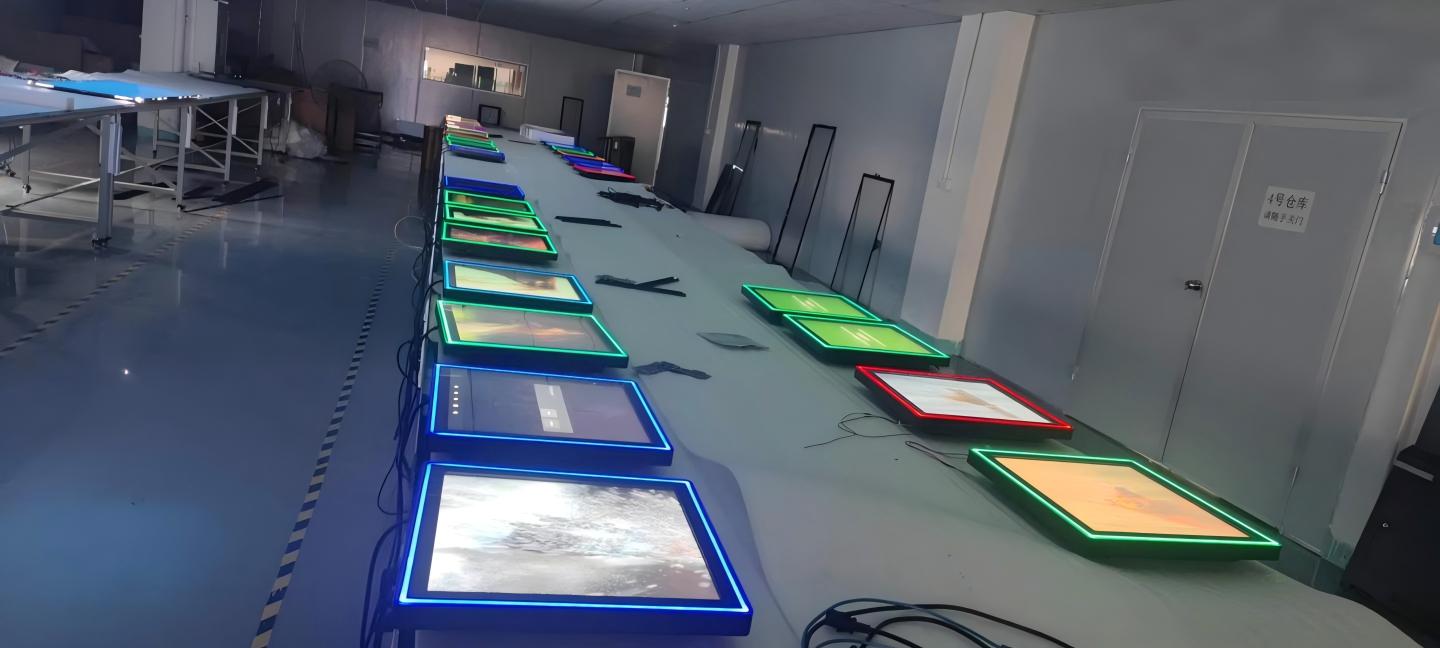
If internal self-test patterns render flawlessly, panel integrity is proven sound.
If anomalies persist across swapped cables, alternate sources, and internal test screens—accompanied by fixed vertical/horizontal lines, permanent dead pixels, localized light bleed, or historical evidence of physical impact or liquid ingress—panel substrate or driver IC failure is highly probable.
Note that while these criteria establish sound initial diagnostics, definitive hardware failure analysis should be performed by certified service engineers.
Circumstances Requiring Professional Service Over DIY Repair
Immediately contact manufacturer support or certified technicians under the following conditions: symptoms persist after complete systematic troubleshooting; visible glass cracks, physical casing denting, or liquid infiltration are present; burning odors, smoke, or abnormal heat dissipation occur upon power-up; or internal chassis disassembly is required.
Commercial LCD panels house high-voltage inverter circuits and micron-pitch ribbon cables. Independent disassembly risks secondary physical damage, high-voltage electric shock hazards, and forfeiture of manufacturer warranty protections. When requesting RMA or technical assistance, providing detailed symptom descriptions, error chronologies, troubleshooting steps performed, and site environmental parameters will expedite resolution.
Frequently Asked Questions (FAQ)
Does screen snow definitively mean the display panel is ruined? No. The vast majority of snow artifact cases stem from cable degradation, loose interface seating, player glitches, or RF interference. Verifying cabling and signal sources usually rectifies the issue.
Can screen blurring be caused solely by incorrect resolution settings? Yes. Stretched bar screens feature unique aspect ratios. Outputting a mismatched standard resolution causes hardware interpolation, stretching, and blurry text rendering. Always set source playback resolution to native panel specifications.
Can fixed bright spots or vertical line artifacts be repaired on-site by users? No. These symptoms typically involve glass substrate micro-fractures, COF bonding failure, or T-Con driver defects, requiring clean-room bonding equipment or module replacement.
How can operators minimize these operational issues? Secure and lock all cable connections, utilize shielded high-spec cables, isolate video wiring from high-voltage AC conduits, maintain climate-controlled ventilation, and format digital media assets strictly to native pixel dimensions.
Conclusion
Encountering screen snow or blurriness should not trigger premature panic about panel failure. Methodically troubleshooting through cabling, video sources, internal test patterns, and ambient interference will resolve most issues quickly, reserving full panel replacement for genuine structural defects.
ZXTLCD specializes in commercial-grade LCD stretched bar displays. If you have conducted preliminary troubleshooting without resolution, share your symptoms, environment, and diagnostic findings with our technical engineering team for dedicated diagnostic support. Official website: www.stretchedbarlcd.com
Explore Related Commercial Stretched Bar LCD Models
If you are sourcing high-reliability stretched display hardware for this application, consider these featured commercial specifications:
- 88 Inch 4K Ultra Wide Stretched Bar LCD Monitor
- 28 Inch Android Stretched LCD Bar for Shelf-Edge Signage
Need a Custom Screen Size or Turnkey Project Quote?
ZXTLCD provides full ODM/OEM customization for commercial projects—including ultra-wide aspect ratios, sunlight-readable high brightness, custom mounting brackets, and Android/Windows CMS software integration.