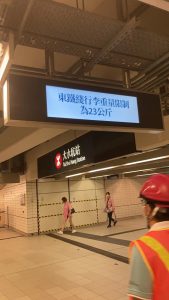

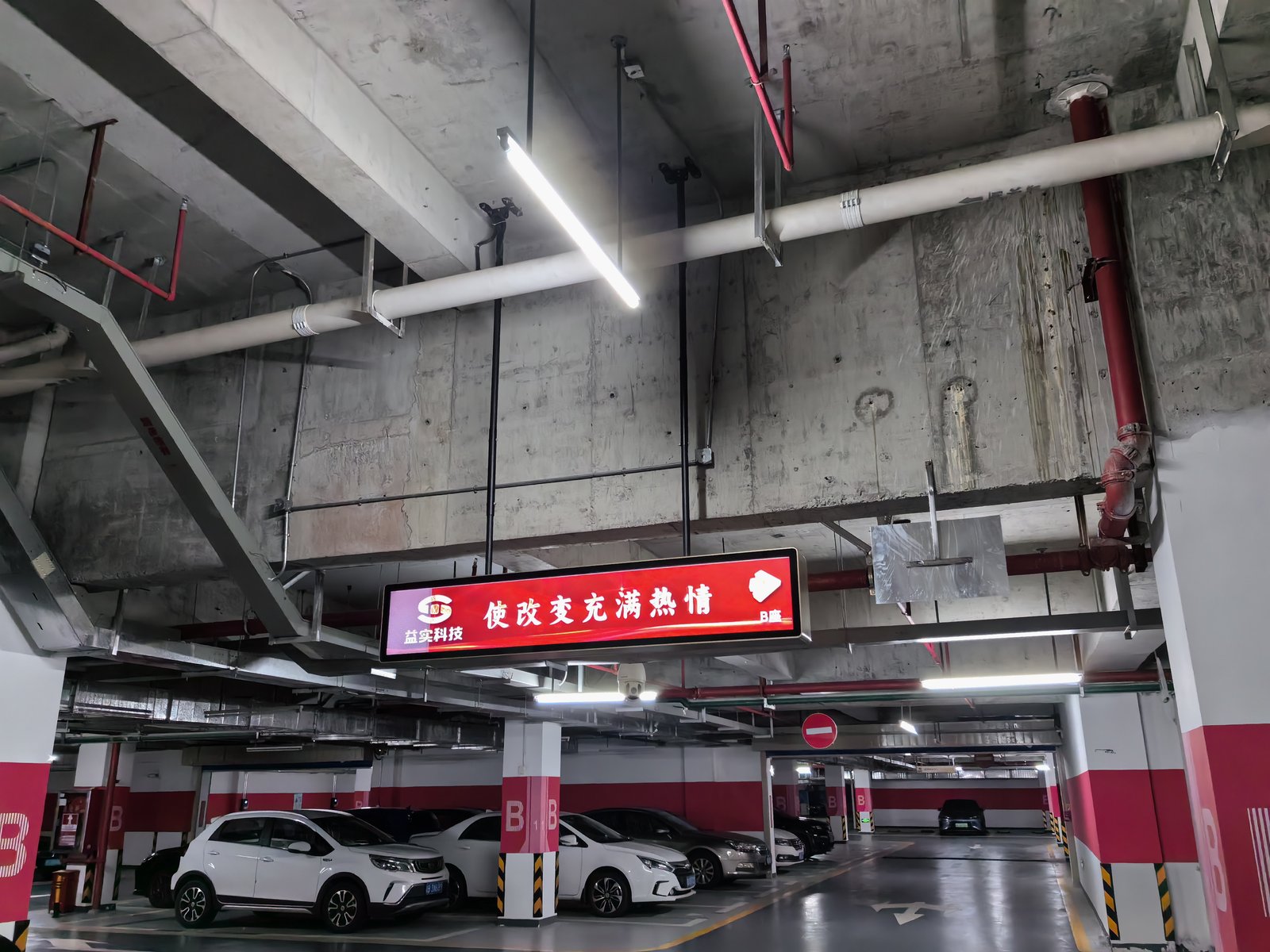
Many technical manuals provide a generic maintenance interval for on-board vehicle stretched displays, suggesting ‘a deep maintenance overhaul every six to twelve months.’ While broadly acceptable, this advice is overly generalized: an on-board stretched display operating inside a clean, climate-controlled subway tunnel operates under conditions vastly different from one installed on a vibrating bus traversing dusty suburban routes.
Below is a practical operational guide: first defining maintenance tiers, then detailing what an in-depth overhaul entails, and finally clarifying critical boundaries where certified technicians must intervene.
Distinguishing Maintenance Tiers: Daily, Scheduled, and Deep Overhaul
Many maintenance oversights occur because distinct operational tiers are conflated together:
Daily Pre-Shift Checks: Conducted in a few minutes before or after vehicle dispatch by transit drivers or maintenance crews: confirming proper boot startup, verifying screen clarity free of artifact snow or blackouts, ensuring scheduled route playlists loop smoothly, and checking for external physical damage.
Scheduled Periodic Inspections: Conducted monthly or quarterly: surface cleaning, checking bracket fasteners for vibration looseness, and inspecting visible cable connectors.
In-Depth Maintenance Overhaul: Scheduled every six to twelve months: opening access panels or dismounting the unit for internal dust extraction, inspecting thermal cooling fans and electrical power supplies, and replacing aged components. This overhaul should always be performed by qualified technical personnel.
Determining Maintenance Intervals: Four Decisive Environmental Factors
1. Road Conditions and Vehicle Vibration: Routes over rough, unpaved roads subject structural brackets, internal fasteners, and interface cables to severe mechanical vibration, requiring shortened inspection intervals. Smooth subway tracks allow extended intervals.
2. Airborne Dust and Relative Humidity: Transit lines through industrial zones, construction corridors, or humid coastal areas experience rapid dust caking and moisture exposure, demanding frequent internal cleaning.
3. Thermal Operating Extremes: Searing summer greenhouse heating inside parked buses and sub-zero winter cold starts stress electronics. Scheduling seasonal audits prior to peak summer and winter is vastly more effective than rigid calendar dates.
4. Daily Operating Hours: Displays running continuously 18 hours a day wear components faster than displays operating on limited peak-hour shuttles; longer duty cycles require frequent checkups.
Practical Recommendation: Monitor newly deployed transit displays closely during their initial three months, logging component conditions across specific bus lines to establish customized maintenance cadences rather than applying a rigid universal rule. Adhere to specific manufacturer service manuals where provided.
What to Inspect During an In-Depth Maintenance Overhaul
Screen Panel and Enclosure: Gently wipe optical surfaces using a soft microfiber cloth lightly moistened with clean water or optical cleaner sprayed onto the cloth—never spray liquid directly onto the glass face or bezel seams. Strictly avoid alcohol or aggressive solvents that damage optical polarizing films. Inspect metal enclosures for physical cracks, warping, and damaged corner seals.
Structural Fasteners and Mounting Brackets: Vehicle vibrations represent the primary cause of loosened screws. Methodically inspect every anchor bolt, mounting rail, and safety retaining clip, verifying secondary failsafe latches. Loose brackets endanger passenger safety in moving vehicles and must be torqued securely.
Cabling and Connector Pin Integrity: Examine power harnesses, LVDS/video leads, and Ethernet cables for chafing, pinched jackets, or embrittlement. Inspect connector terminals for loose seating, contact pin oxidation, or particulate dust ingress.
Thermal Cooling Fans and Heat Sinks: Verify that cooling fans spin smoothly without bearing grind, and check aluminum heat sink fins and intake louvers for caked grime. Accumulated dust impairs heat dissipation, driving up internal temperatures and causing automatic thermal dimming or system crashes. Clear dust using an industrial vacuum with a soft brush; avoid blasting high-pressure air guns that blow dust deeper into electronics.
Electrical Power Systems: Inspect DC-DC power converter modules, terminal blocks, and fuse assemblies for burning odors, abnormal heat discoloration, or component scorching. Vehicular electrical grids experience voltage transients; electrical diagnostics must be performed by certified technicians.
Optical Display Performance: Check for brightness non-uniformity, color shifting, stuck bright pixels, dark dead lines, or edge light leakage. Recalibrate settings or contact your supplier if hardware defects are identified.
Operating System and Software: Verify that playback software and firmware run current vendor versions, applying updates to resolve known bugs. Back up settings prior to updates, maintain uninterrupted power during flashing, and verify network connectivity and automated daypart timers on cloud CMS dashboards.
Environmental Moisture and Condensation: Check for moisture condensation, water tracks, or roof leakage around ceiling mounting transoms, verifying that cooling vents are unobstructed and isolated from vehicle HVAC heaters.
Tasks That Require Certified Technical Personnel
Dismounting chassis enclosures for internal cleaning, replacing cooling fans, power converters, or LCD glass, rewiring vehicular electrical circuits, and investigating burning smells or smoke must be escalated to certified technicians. Unauthorized disassembly risks electric shock, secondary component damage, and warranty forfeiture.
Transit fleets operate structured fleet maintenance schedules; coordinate display servicing with manufacturer support SLAs to clarify responsibilities, inspection cadences, and spare parts availability.
Maintenance Logs Are Far More Reliable Than Memory
Document every inspection: date, technician ID, vehicle number, bus route, observed symptoms, and corrective actions taken. Historical logs highlight high-vibration routes or chronic environmental issues, allowing transit authorities to optimize maintenance budgets and provide valuable diagnostic data to suppliers.
Frequently Asked Questions (FAQ)
Must in-depth maintenance be scheduled strictly every six to twelve months? This is a baseline reference. Real-world intervals depend on route vibration, road dust, and operating hours; harsh routes demand quarterly checkups.
Can fleet operators perform only surface cleaning and skip internal maintenance? It is not advised. Surface cleaning ignores internal dust buildup, loosened mounting fasteners, and contact oxidation that only deep inspections detect.
What causes intermittent screen flickering aboard transit vehicles? Inspect interface cables and power terminals for loose seating caused by vehicle vibration. If flickering persists across secure connections, contact certified technicians.
Does updating software carry operational risks? Firmware updates carry risks if power is interrupted. Always back up configurations, ensure stable electrical power, follow vendor guidelines, and test playback post-update.
Conclusion
Maintaining on-board vehicle stretched bar displays requires abandoning rigid one-size-fits-all schedules. Aligning maintenance intervals with route terrain, environmental dust, and operating intensity—while dividing tasks between daily driver checks, periodic inspections, and certified deep overhauls—keeps fleet displays operating reliably before breakdowns occur.
Explore Related Commercial Stretched Bar LCD Models
If you are sourcing high-reliability stretched display hardware for this application, consider these featured commercial specifications:
- 19 Inch Touch Stretched Bar LCD Screen for Vehicle Systems
- 49.5 Inch Android Stretched Bar LCD Monitor
Need a Custom Screen Size or Turnkey Project Quote?
ZXTLCD provides full ODM/OEM customization for commercial projects—including ultra-wide aspect ratios, sunlight-readable high brightness, custom mounting brackets, and Android/Windows CMS software integration.