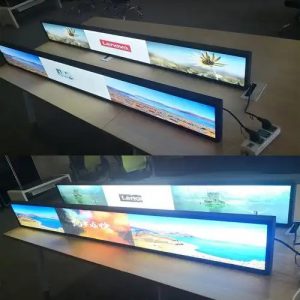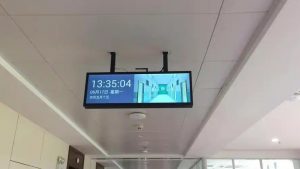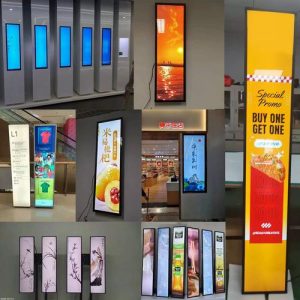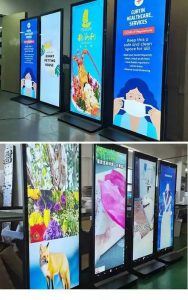

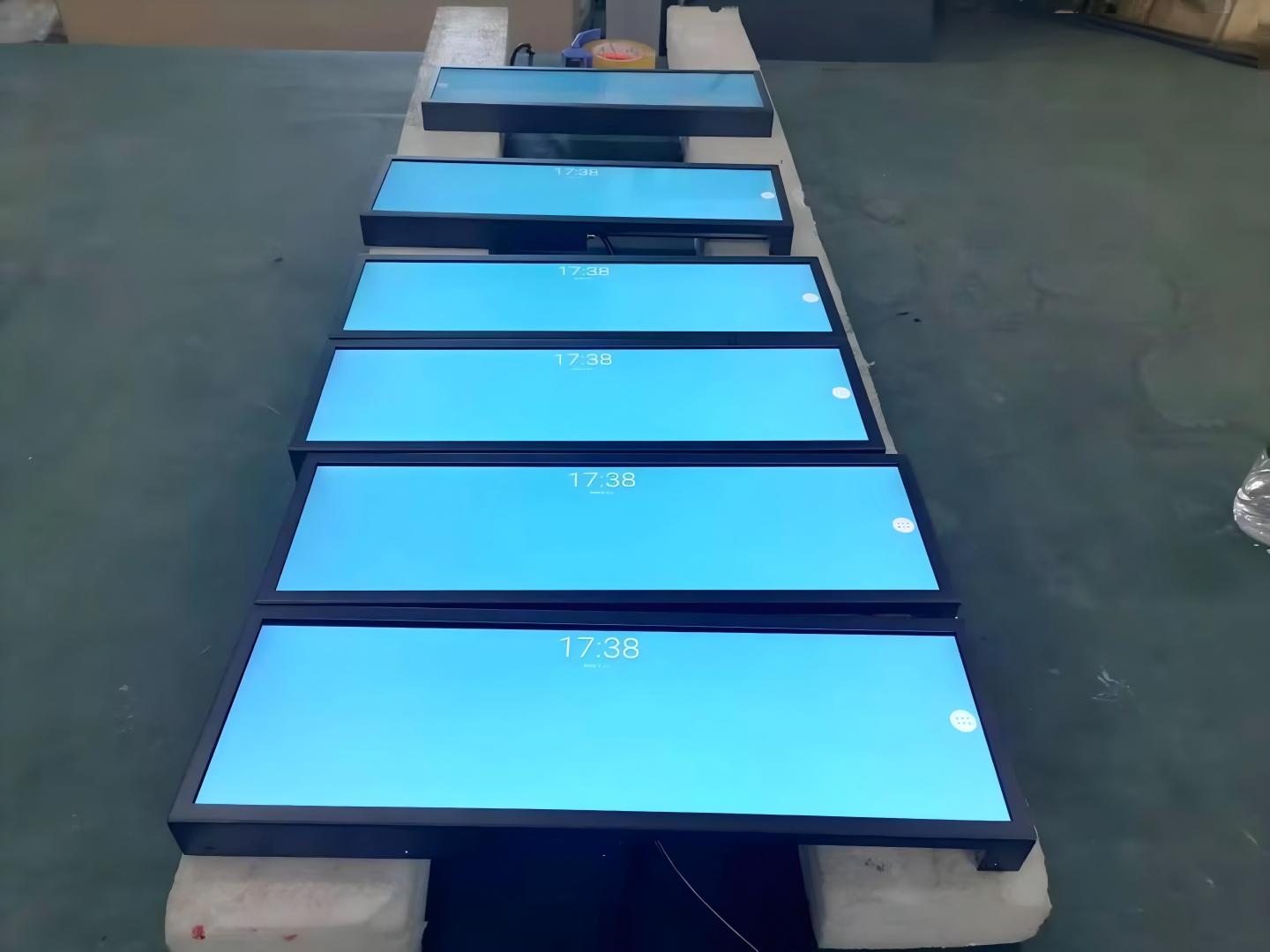
Stretched LCD bar displays have become standard digital equipment aboard public buses, metro trains, and passenger coaches. Responsible for broadcasting station announcements, transfer connections, route alerts, and municipal information, these displays are visual touchpoints passengers consult repeatedly throughout their journeys.
Yet despite having stretched displays installed, passenger viewing comfort varies noticeably across transit fleets: some vehicle cabins provide effortless legibility, while others cause glare, eye strain, or fuzzy, illegible text. These discrepancies rarely stem from inherent hardware failure, but rather from whether the display deployment was properly calibrated to real-world vehicular environments. Below is a comprehensive guide to maximizing viewing comfort on vehicle stretched displays.
1. Installation Geometry: Ensuring Natural Sightline Angles
On-board stretched displays typically mount along cabin ceilings, above passenger entrance doors, or down center aisle breezeways. Physical mounting geometry directly dictates whether passengers experience viewing fatigue.
Mounting screens excessively high forces passengers into sharp neck extension, causing physical strain during transit. Placing screens at awkward side angles forces passengers across the aisle to view content from oblique angles, causing optical darkening and color shifts. The optimal approach places displays within passengers’ natural sightline cone, accommodating both standing and seated travelers from diverse cabin angles.
The elongated profile of stretched displays aligns with cabin corridors, offering unobstructed forward and rearward visibility. Final mounting brackets should be calibrated to vehicle roof curvatures and ceiling clearances through physical mockups before fleet rollout.
2. Dynamic Luminance and Anti-Glare Optical Treatment
Vehicle cabins experience dramatic, rapid ambient lighting swings. Intense direct sunlight streams through windows by day; nighttime travel relies on dim interior ceiling lights; and tunnels plunge cabins into near darkness. If display luminance is fixed, content becomes washed out in daylight and painfully glaring at night.
Consequently, on-board stretched displays must incorporate adaptive brightness capabilities, maintaining high contrast in sunlight while automatically dimming during night or underground transit. Selecting hardware with automated ambient light sensors or scheduled dayparting ensures comfortable illumination around the clock.
Surface reflections represent another major hazard: glass windows, polished stainless-steel grab rails, and fluorescent lighting can create intense glare patches on the screen face. Specifying matte anti-glare (AG) surface diffusion films scatters specular reflections, keeping typography clear in any cabin setting.
3. Human-Centric Visual Design and Typography
In many transit complaints, passenger discomfort originates not from display hardware, but from poorly structured graphic layouts.
Commuters view displays while standing or seated in moving, vibrating vehicles with transient attention spans. Visual layouts must prioritize simplicity: station names and arrival alerts require bold, generous typography and high-contrast color schemes (such as bright white or amber text on deep navy/black backgrounds) for instantaneous recognition. Avoid cluttering a single screen canvas with simultaneous ads, route lines, and dense disclaimers.
Ticker scroll speed must also be carefully tuned: scrolling too fast prevents passengers from absorbing route changes, while scrolling too slowly creates passenger frustration. Conduct trial broadcasts aboard operating transit cabins across diverse age demographics to establish optimal text dwell times.
Because stretched displays feature unique aspect ratios, graphic assets must be formatted to native pixel resolution to avoid distorted, squished typography or black pillarbox margins.
4. Industrial Shock Resistance and Electrical Power Stability
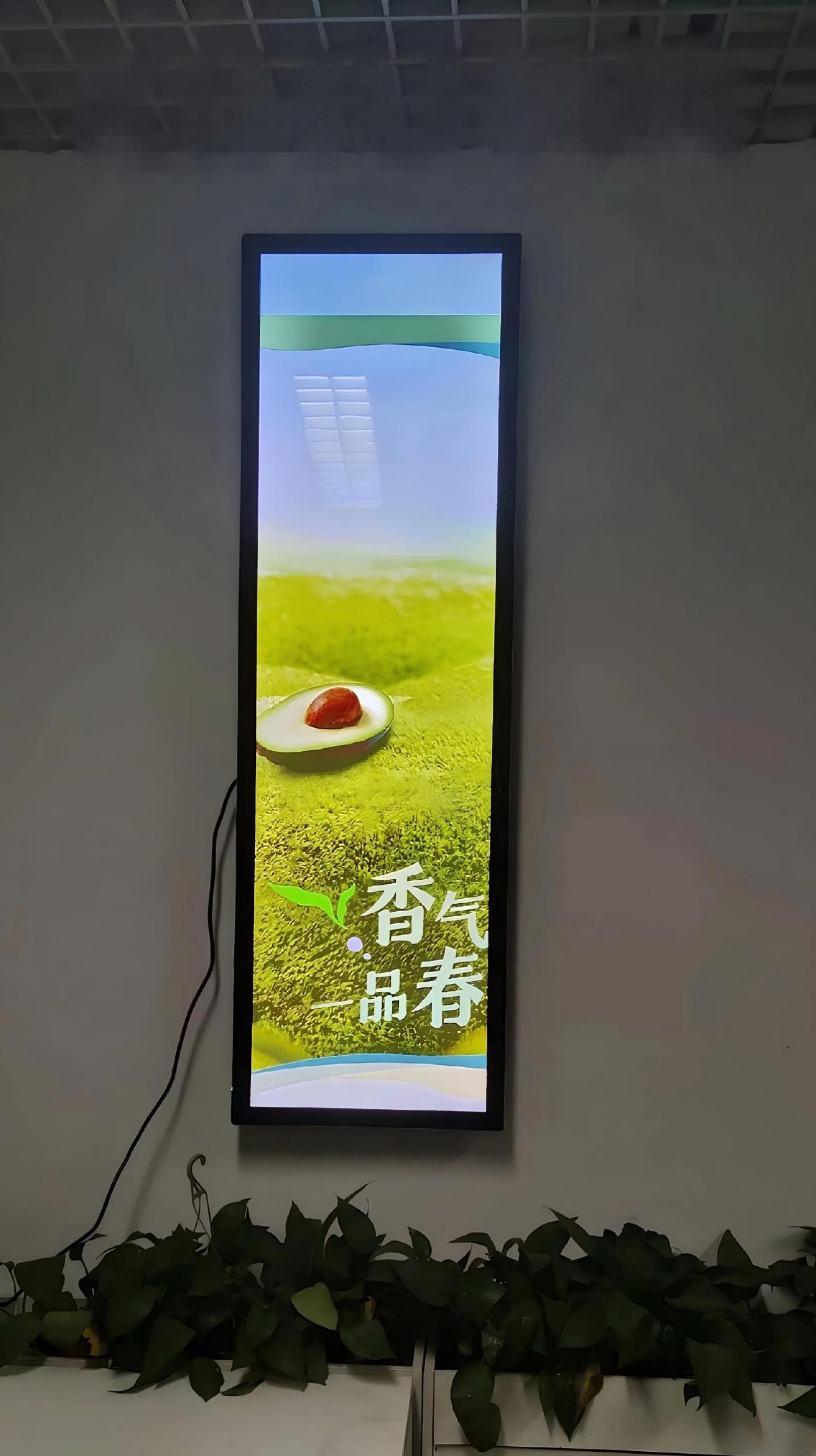
Vehicular operating conditions are harsh: constant road vibrations, engine harmonics, intense summer greenhouse heating, winter sub-zero cold starts, and wide DC voltage fluctuations during vehicle acceleration and braking.
If electrical spikes cause the screen to flicker, glitch, or reboot, passenger viewing comfort is shattered while maintenance costs surge. On-board stretched displays must feature wide DC input voltage ranges (such as DC 9–36V with reverse-polarity protection), automotive-grade shock-resistant chassis construction, and conformal-coated internal electronics. Specifying certified industrial hardware guarantees continuous visual stability.
5. Unified Fleet Cloud Management for Information Integrity
Transit networks deploy hundreds of stretched screens across municipal bus and train fleets. Relying on manual on-board USB updating is slow, labor-intensive, and prone to unsynchronized route data, resulting in passengers seeing expired or inaccurate notices.
A centralized transit CMS management platform enables transit authorities to push fleetwide route changes, emergency alerts, and schedule modifications over cellular 4G/5G networks simultaneously. Real-time telemetry monitoring provides immediate alerts if an endpoint loses signal, preserving passenger information reliability.
Key Criteria for Transit Display Specification
Prior to fleet procurement, evaluate: available cabin mounting clearances; primary passenger viewing distances and angles; route lighting extremes (surface highways vs. subterranean tunnels); whether content is focused on arrival alerts or shared with commercial media; and vehicle DC power and telemetry requirements.
Addressing these operational criteria upfront ensures the selected display hardware delivers long-term comfort and reliability.
Frequently Asked Questions (FAQ)
Where are stretched displays typically mounted aboard transit vehicles? Common positions include ceiling centerlines, above passenger entrance doors, and along dividing bulkheads, calibrated to provide natural, strain-free viewing angles.
How do on-board displays prevent passenger glare and eye fatigue? By pairing industrial anti-glare (AG) surface optical treatments with intelligent ambient light sensors that automatically modulate brightness between bright outdoor travel and dark tunnels.
Can screen dimensions be customized to fit specific bus or metro cabin profiles? Yes. ZXTLCD specializes in custom stretched LCD engineering, tailoring dimensions, mounting brackets, and wide-voltage power supplies to specific transit rolling stock.
Why do some transit display graphics appear distorted? Stretched screens feature unique aspect ratios. If media assets are rendered in standard 16:9 formats, they appear horizontally stretched. Designing assets directly to native panel pixel dimensions guarantees crisp, accurate visual proportions.
Conclusion
Passenger viewing comfort on transit displays depends on holistic engineering: sightline-friendly mounting, adaptive illumination, anti-glare optics, uncluttered typography, vehicular shock resistance, and reliable cloud telemetry. Mastering these elements ensures commuters read travel information with ease while transit operators reduce field maintenance overhead.
ZXTLCD specializes in commercial-grade LCD stretched bar displays. If your project involves municipal bus, subway, or passenger coach transit signage, share your vehicle dimensions and operational requirements with us to develop the ideal solution. Official website: www.stretchedbarlcd.com
Explore Related Commercial Stretched Bar LCD Models
If you are sourcing high-reliability stretched display hardware for this application, consider these featured commercial specifications:
- 19 Inch Touch Stretched Bar LCD Screen for Vehicle Systems
- 49.5 Inch Android Stretched Bar LCD Monitor
Need a Custom Screen Size or Turnkey Project Quote?
ZXTLCD provides full ODM/OEM customization for commercial projects—including ultra-wide aspect ratios, sunlight-readable high brightness, custom mounting brackets, and Android/Windows CMS software integration.