
Description
19.5 Inch Touch Stretched LCD Screen for Transit Information
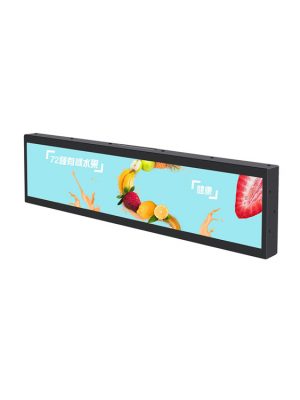
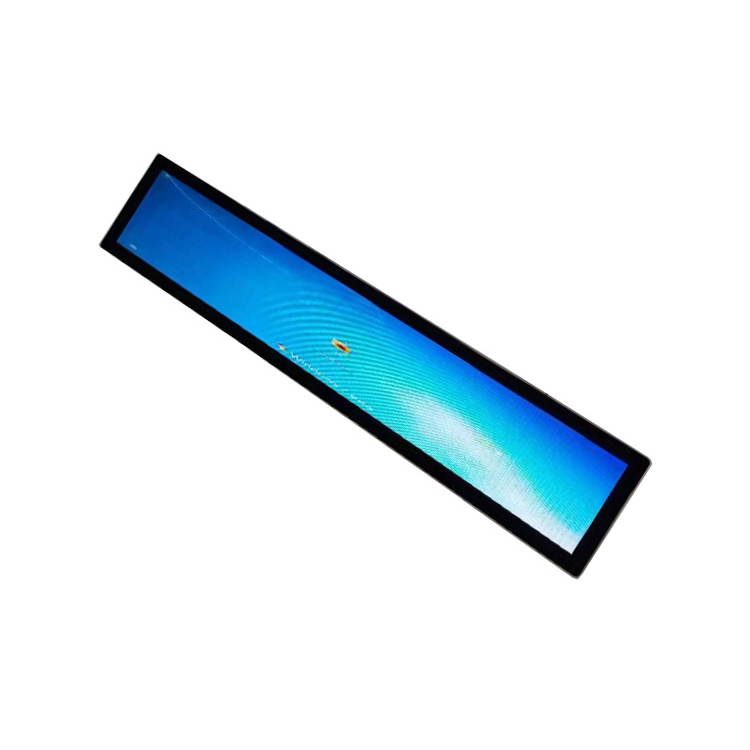
Transit information must be presented quickly and within architectural spaces that were not designed for conventional monitors. A long horizontal display can follow the shape of a ticketing enclosure, platform fixture, vehicle interior or information counter while keeping route and service content within the passenger’s natural line of sight.
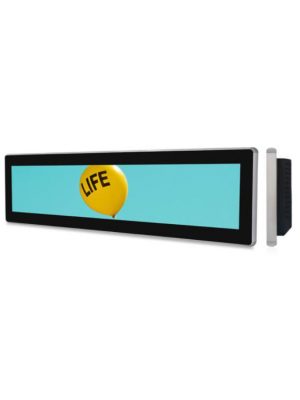
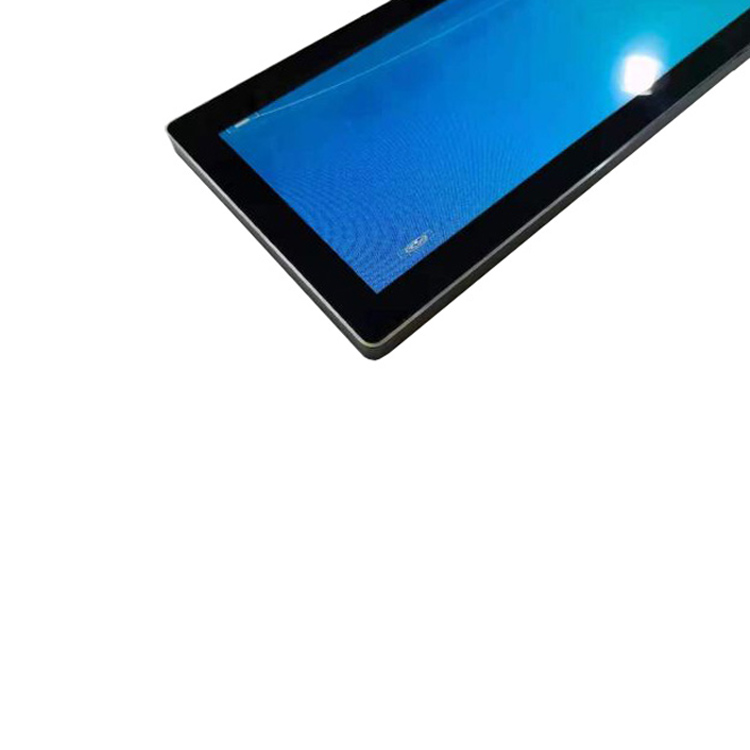
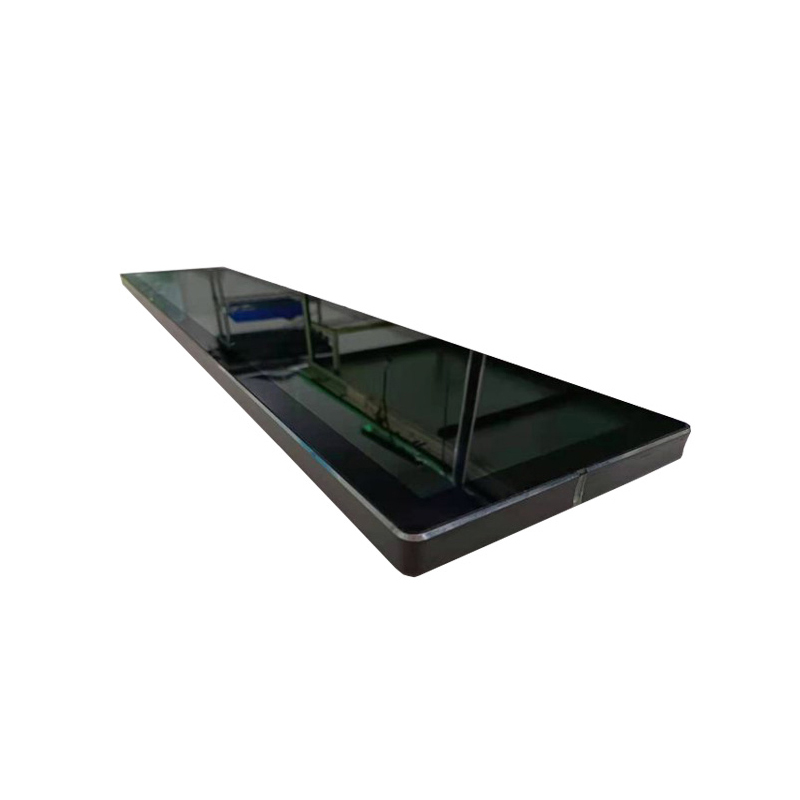
This 19.5-inch model combines a 1920 × 540 panel with a projected capacitive touchscreen and a metal enclosure suitable for embedded or wall-mounted installation. Its standard video inputs allow a transport integrator to connect the screen to the project’s selected control computer or media system.
| The specification | ||
| Model No | Product model | ZXTLCD-BAR195MTJSY |
| LCD Screen Panel | Screen size | 19.5″ LCD Panel |
| Active display area | 476.60(H) X 134(V)mm | |
| Resolution | 1920(V) X 540(H) | |
| Brightness | 500cd/m2 | |
| Contrast ratio | 1200:1 | |
| Display color | 16.7M | |
| Backlight type | WLED | |
| Viewing angles | 89°/89°/89°/89°(U/D/L/R) | |
| Response time | 9.5ms | |
| Lifespan | 50000 hours | |
| Main board | CPU | MSTAR V56(TSUMV56RUU) |
| Interfaces | USB2.0 | |
| HDMI*2 | ||
| TF/Audio/DC IN | ||
| Touchscreen | Touch type | 10 points Projected Capacitive touchscreen |
| machine specification | Operating voltage | USB 12V/2A |
| Power consumption | ≤25W | |
| Product size | 521.5(H)X179.5(V)X47.6(D)mm | |
| Installation | Embedded, wall-mounted | |
| Appearance material | Metal shell | |
| Net weight | ≤2.8KG | |
| Surface treatment | Black metal paint | |
| Environmental | Storage Environment | Temperature:-20℃~60℃ |
| Humidity:5%~95% | ||
| Atmospheric Pressure:86kPa~104kPa | ||
| Working Environment | Temperature:-10℃~50℃ | |
| Humidity:10%~85% | ||
| Atmospheric Pressure:86KPa~104KPa | ||
| Packing list | Bar lcd display | 1pcs |
| Power Cable | 1Pcs | |
| Support special requirements customization | ||
A Stretched LCD Screen for Layered Passenger Information
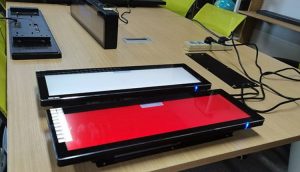
The 476.6 × 134 mm active area gives designers room to organise several related messages across one continuous display. A stretched lcd screen may show a destination and direction as the primary information, with time, service status or accessibility guidance occupying separate supporting zones.
This approach is more readable than trying to compress a full timetable or standard advertising poster into a narrow opening. The native aspect ratio should guide the content structure: short horizontal sequences, strong contrast and clear spacing work better than dense blocks of text.
The panel is rated at 500 cd/m² and provides viewing angles of 89 degrees in each direction. These characteristics suit indoor stations, sheltered interiors and vehicle applications where passengers may approach from the side. Outdoor exposure, weather sealing and direct-sunlight performance are not stated for this product and should not be assumed.
Touch Capability for Assisted Navigation
The 10-point projected capacitive touchscreen creates opportunities for passenger-facing selection. A connected application could allow users to choose a destination, change language, review a simplified route or access service guidance. The wide format is particularly useful when controls and results need to remain visible together.
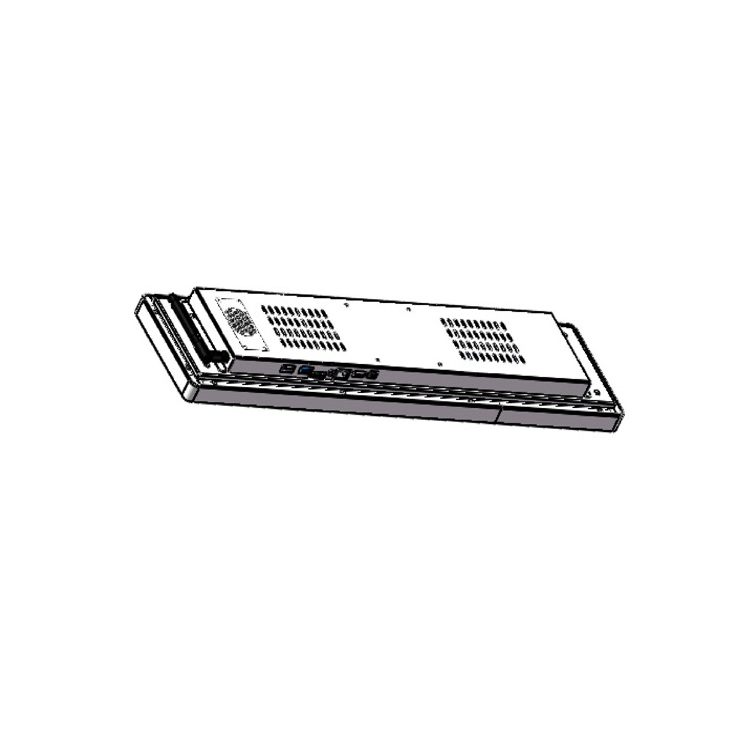
The display uses an MSTAR V56 main-board solution and provides USB 2.0, two HDMI inputs, TF, audio and DC input. It can therefore receive content from a transport computer, compact player or other compatible host. Software, real-time data and network functions are supplied by the wider system rather than being claimed as native functions of the panel.
For non-interactive deployments, the same unit can operate as a passenger information or advertising display. The touchscreen does not prevent it from being used for scheduled visual content, and the external-source architecture lets an integrator standardise players across multiple screen formats.
Suitable Transit and Public-Service Locations
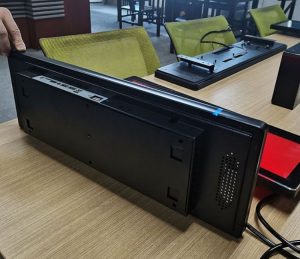
The display can be incorporated above ticket windows, beside fare machines, inside passenger vehicles, along corridor wayfinding fixtures or within customer-service counters. It may also support airports, ferry terminals, visitor centres and other indoor public facilities with similar space constraints.
Above a ticket window, the screen can identify the service point and display current instructions. Along a corridor, it can combine a directional arrow with destination text and a status message. Inside a vehicle, a horizontal layout can communicate the next stop and route progress without reducing headroom.
Commercial messages can be included where appropriate, but they should remain subordinate to essential travel information. Separating content into defined zones helps maintain this hierarchy and prevents promotions from making operational messages harder to find.
Engineering Considerations for Deployment
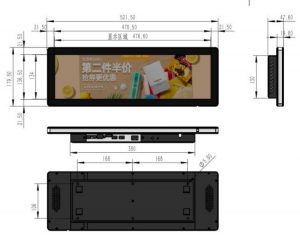
The complete enclosure measures 521.5 × 179.5 × 47.6 mm and weighs no more than 2.8 kg according to the page specification. Mounting structures must support the finished unit while retaining access to the power and signal connections. Designers should also allow ventilation space and a maintenance path when the product is embedded in a larger fixture.
The display operates from a 12 V/2 A supply and consumes no more than 25 W. Its stated working-temperature range is -10°C to 50°C. Transport projects should evaluate the actual cabinet temperature, vibration conditions, daily operating schedule and power quality rather than relying on ambient temperature alone.
Before production, buyers should provide the installation drawing, screen orientation, touch-host requirements and intended signal source. Any changes to enclosure colour, mounting points or cable arrangement need to be confirmed as project options.
For indoor passenger-information systems that require a touch-capable display in a narrow opening, this 19.5-inch model offers a practical combination of resolution, standard connectivity and integration flexibility. ZXTLCD can review the mechanical and interface requirements before the final configuration is approved.